
See a product's prices at the stores near you on a map, so you can compare and choose where it is worth buying it.
Before you start
- Seeing prices near you is a facturillo Pro feature.
- The app needs permission to use your phone's location.
Step by step
Open the price comparison and search for a product by name, or scan its barcode.
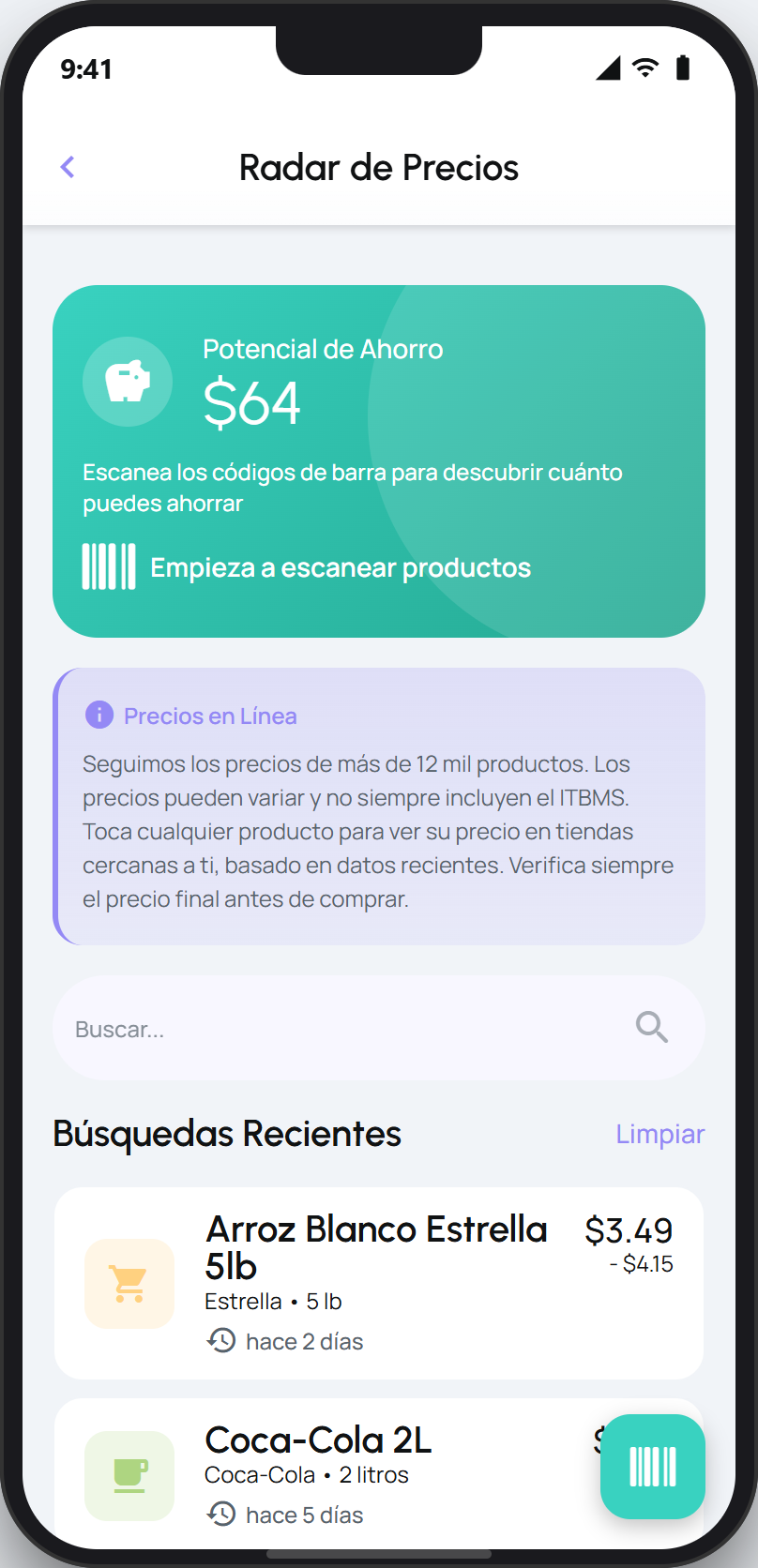
Open the product to see its detail and scroll down to the Prices near you section.
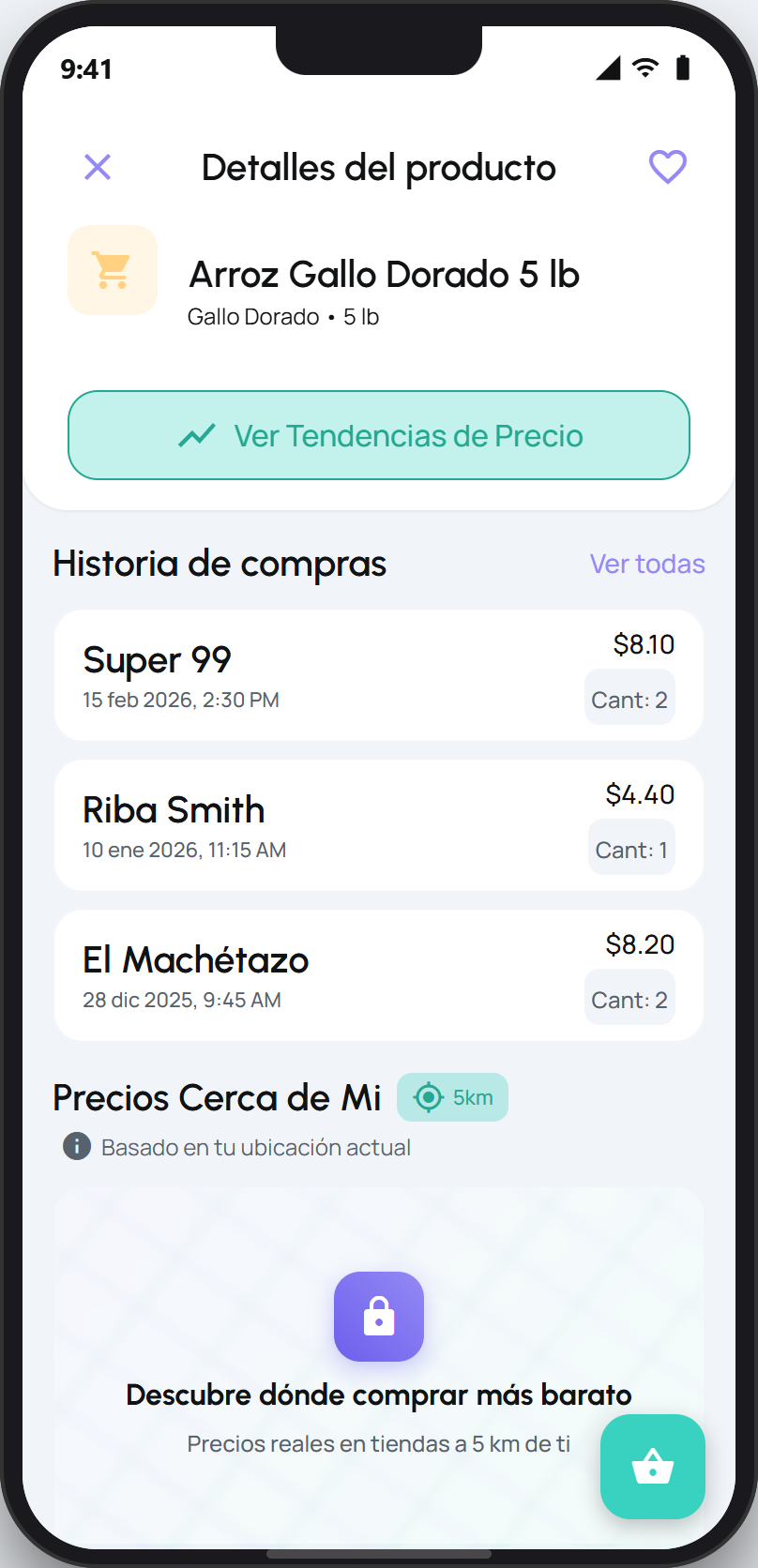
When the app asks, allow access to your location. If you denied it before, turn it on from your phone's settings.
You will see nearby stores with their prices on a map. Tap to open the full map, compare, and choose where to buy.
Tip
The section shows stores within a nearby radius (around 5 km). The prices come from real receipts, so they are a reference for what people pay near you. From the map you can also report a wrong store price.
On the Gratis plan, the Prices near you section appears as an upgrade to Pro. Tap the option to see the Pro plan.