
Share a Pocket by inviting other people with a link or a code, so they can add receipts to the group or just view it. As the person who created the Pocket, you decide each person's role.
Before you start
- Sharing a Pocket is a facturillo Pro feature.
- Sharing is available on your personal account, not on a business account.
- You need a Pocket already created. If you do not have one yet, create it first.
Step by step
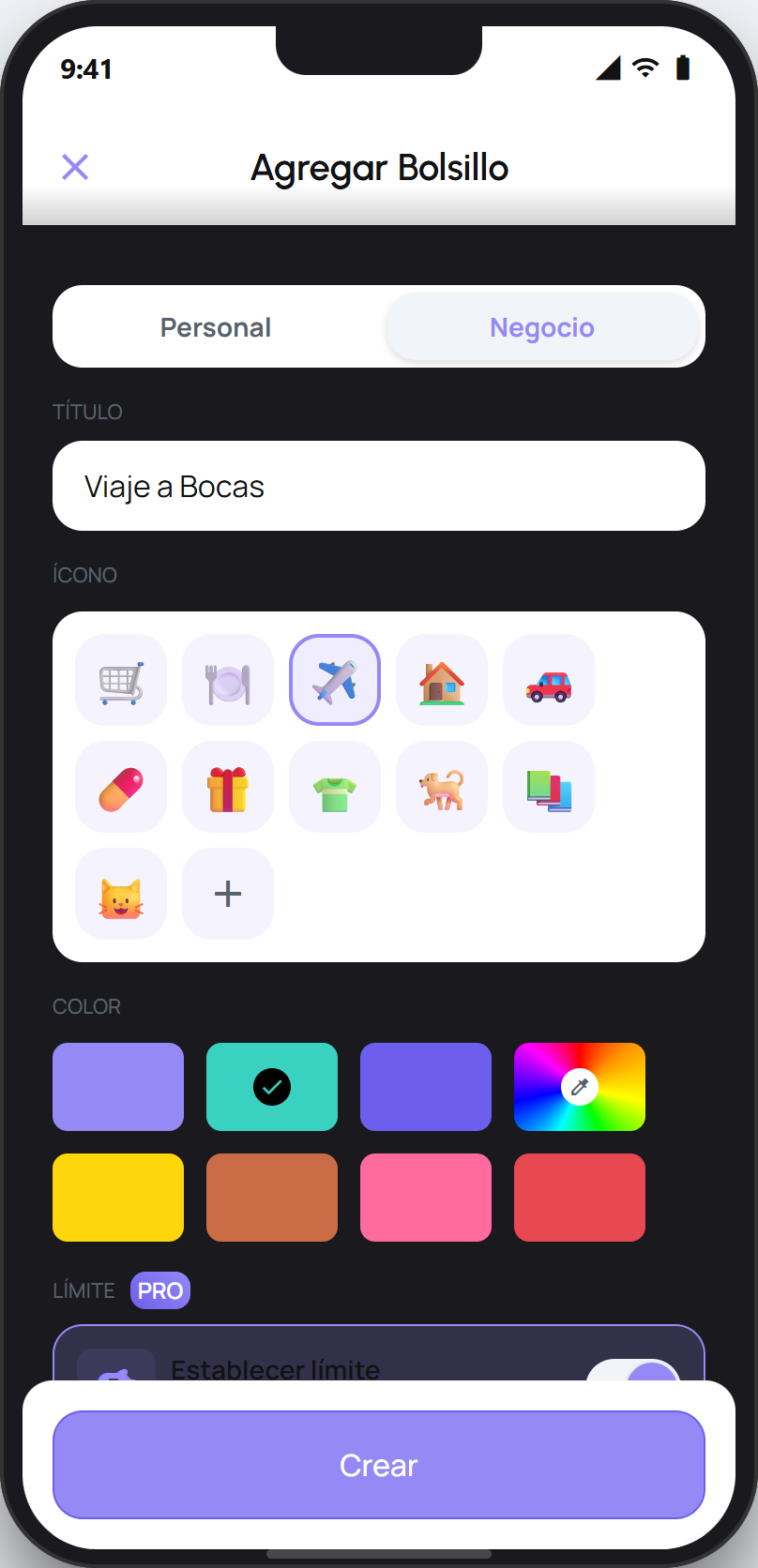
Open the Pocket you want to share and edit it, or do this while creating a new one. Turn on the switch in the Share section.
Open the Pocket's options (the three-dots icon) and choose Manage members. If the Pocket is shared but it is still just you, you will also see a shortcut to invite on the Pocket screen.
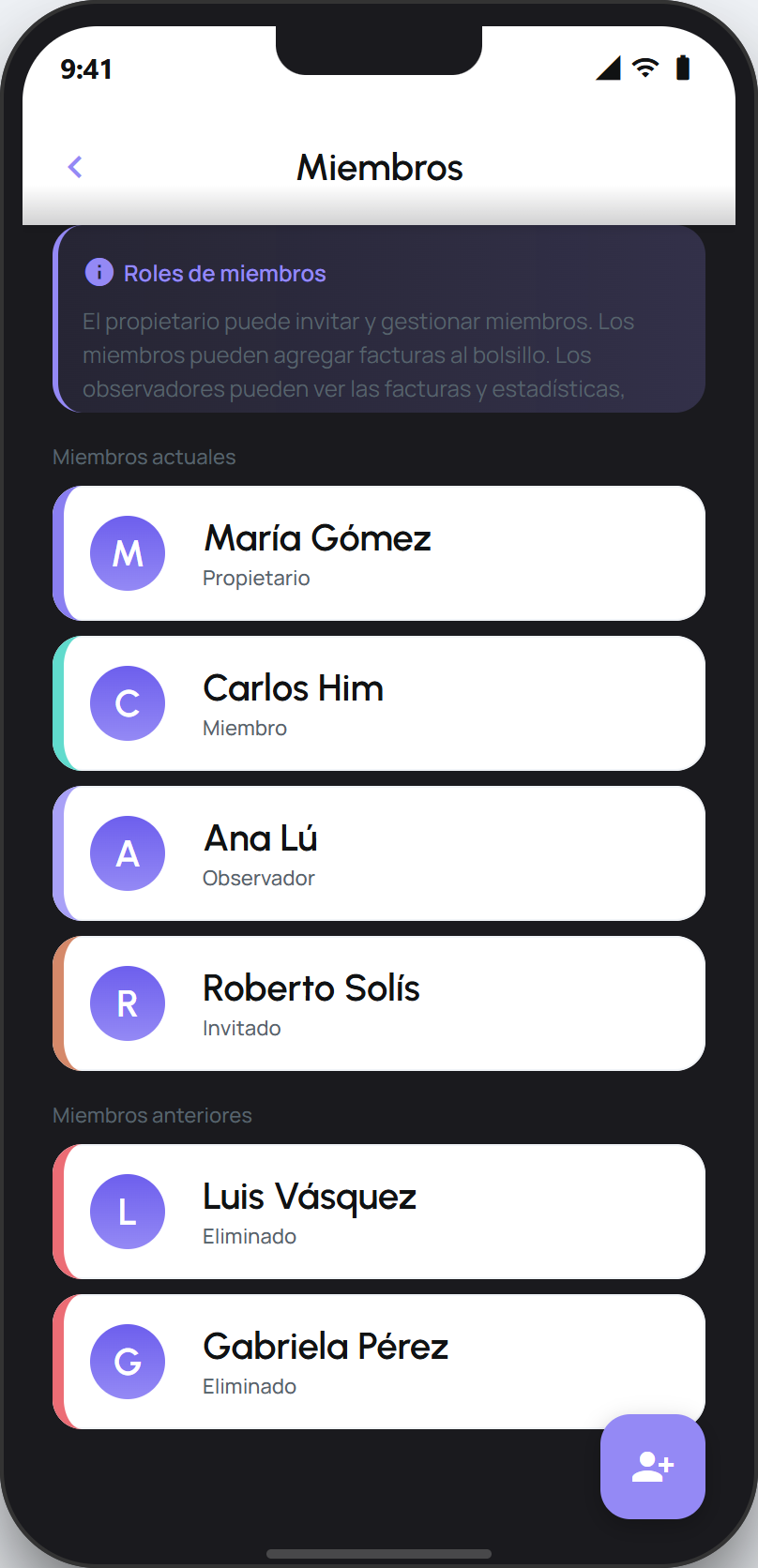
On the Members screen, tap the invite button (the button with the add-person icon).
In the Invite to Pocket sheet, choose the role: Member so the person takes part and adds receipts, or Observer so they only view the Pocket without changing anything.
Share the link or the QR code that appears. The person opens it, downloads facturillo if they do not have it yet, and joins the Pocket.
Tip
A shared Pocket holds up to 30 people. As the owner you can change anyone's role, or remove someone, from the Members screen whenever you want.
What the invited person sees
When they open the link, the person sees the Pocket's name and a button to open or download facturillo. Once they enter the app with their account, they join the Pocket and it appears in their list, with the same receipts and the same total the rest of the group sees.