
Give a Pocket a spending limit per period so the group can see how much it has spent, how much is left, and how it is doing with a progress bar.
Before you start
- A Pocket's spending limit is a facturillo Pro feature.
- You need a Pocket. You can set the limit while creating it or while editing it.
Step by step
Open the Pocket and edit it (Pocket options › Edit Pocket), or do this while creating a new one.
Turn on the Limit switch and enter the limit amount.
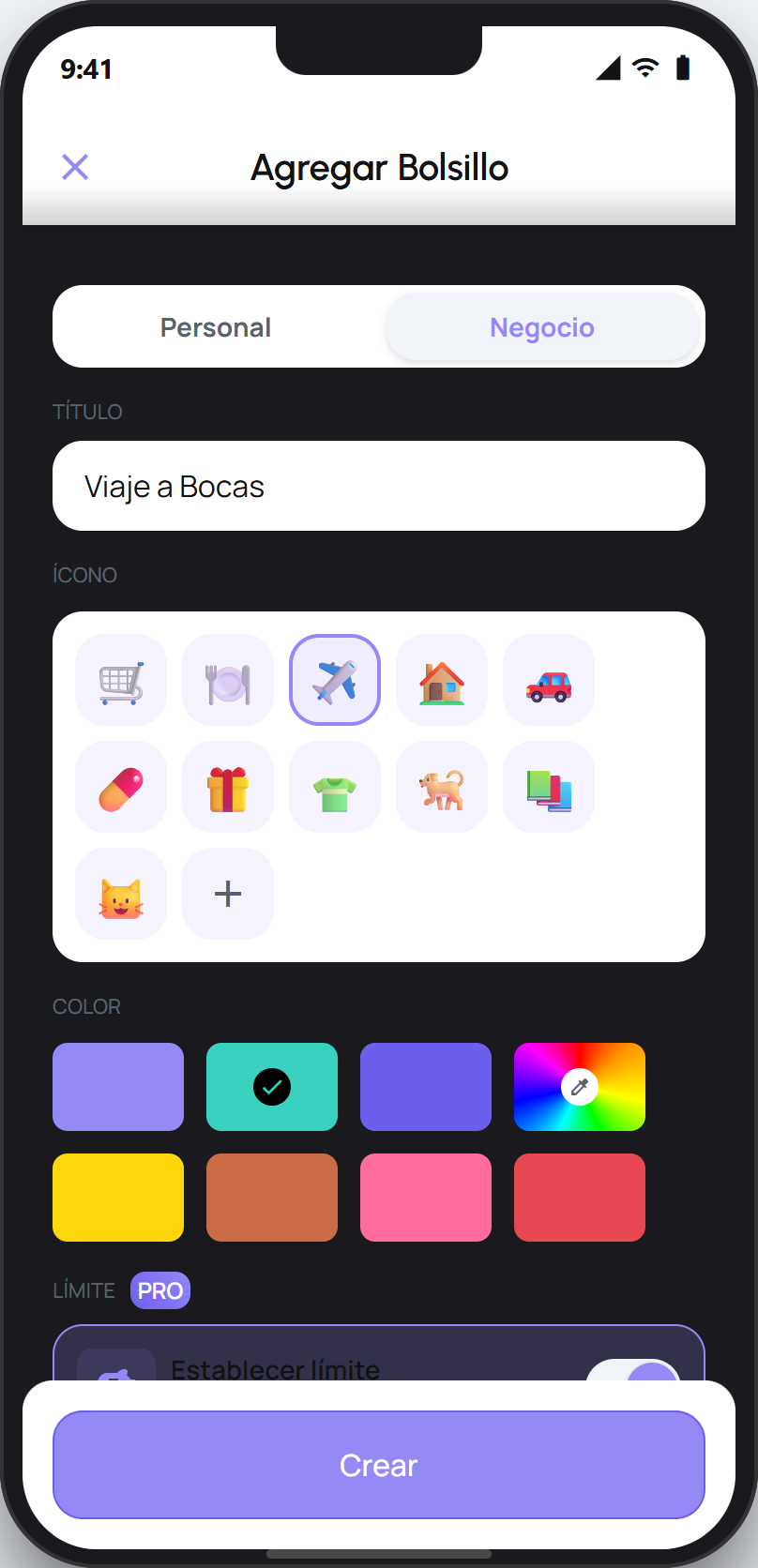
Save with Save (or Create if it is a new Pocket).
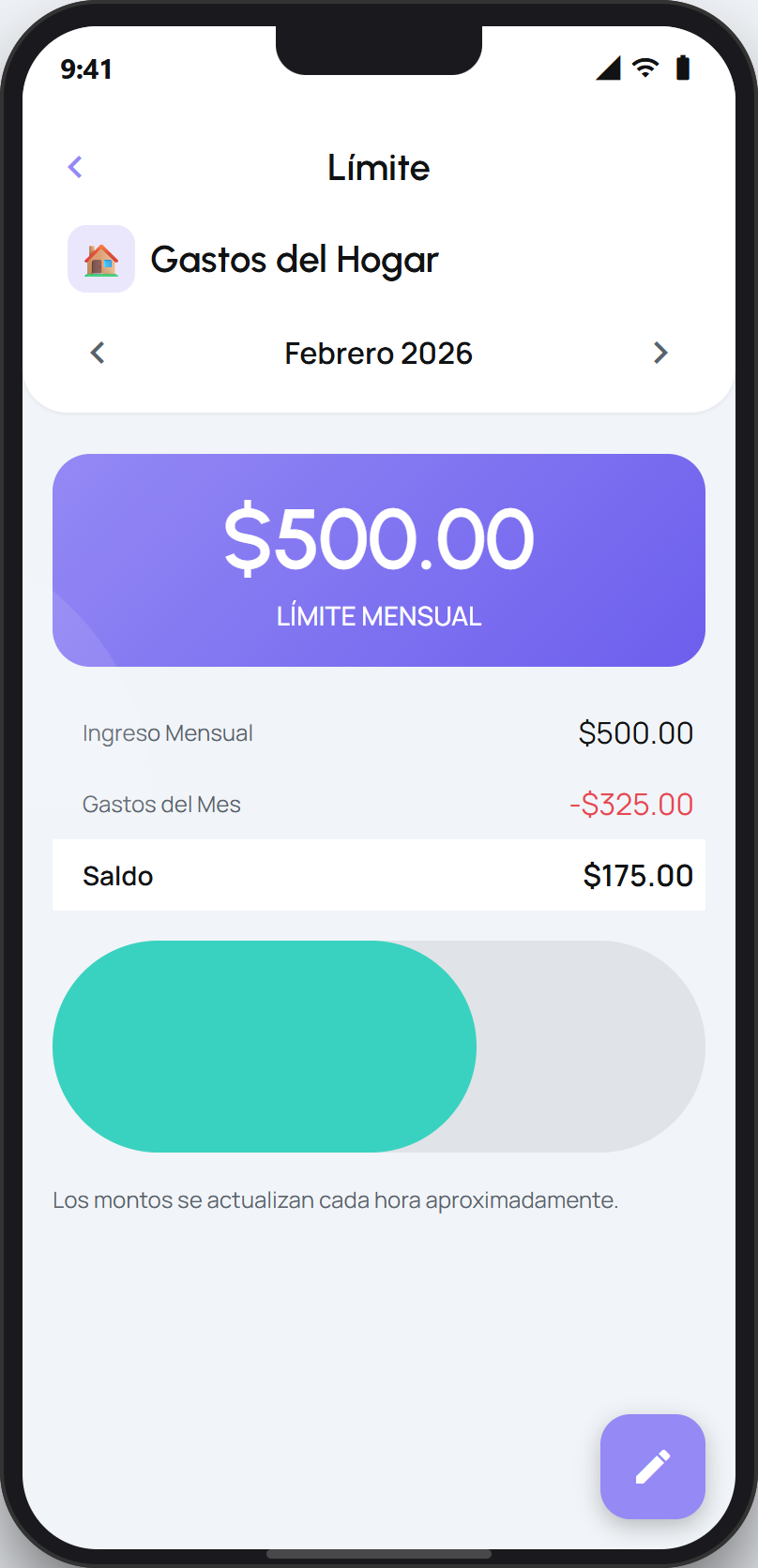
On the Pocket screen you will see the period's progress: how much has been spent, how much is left, and a progress bar.
Tip
The limit is per period (monthly by default) and you can change it whenever you want from the Pocket's budget section. A Pocket with a limit also has an analytics view with the group's trends and categories.
If you are on the Gratis plan, you will see the limit and the budget options as an upgrade to Pro. Tap the option to see the Pro plan.