
Set up your budget for the first time in three steps: your income for the period, your savings goal, and a summary to confirm. Whatever is between your income and your savings is the budget you have to spend.
Before you start
- The budget is a feature of your personal account, not a business account.
- Have your income for the period and how much you want to save at hand.
Step by step
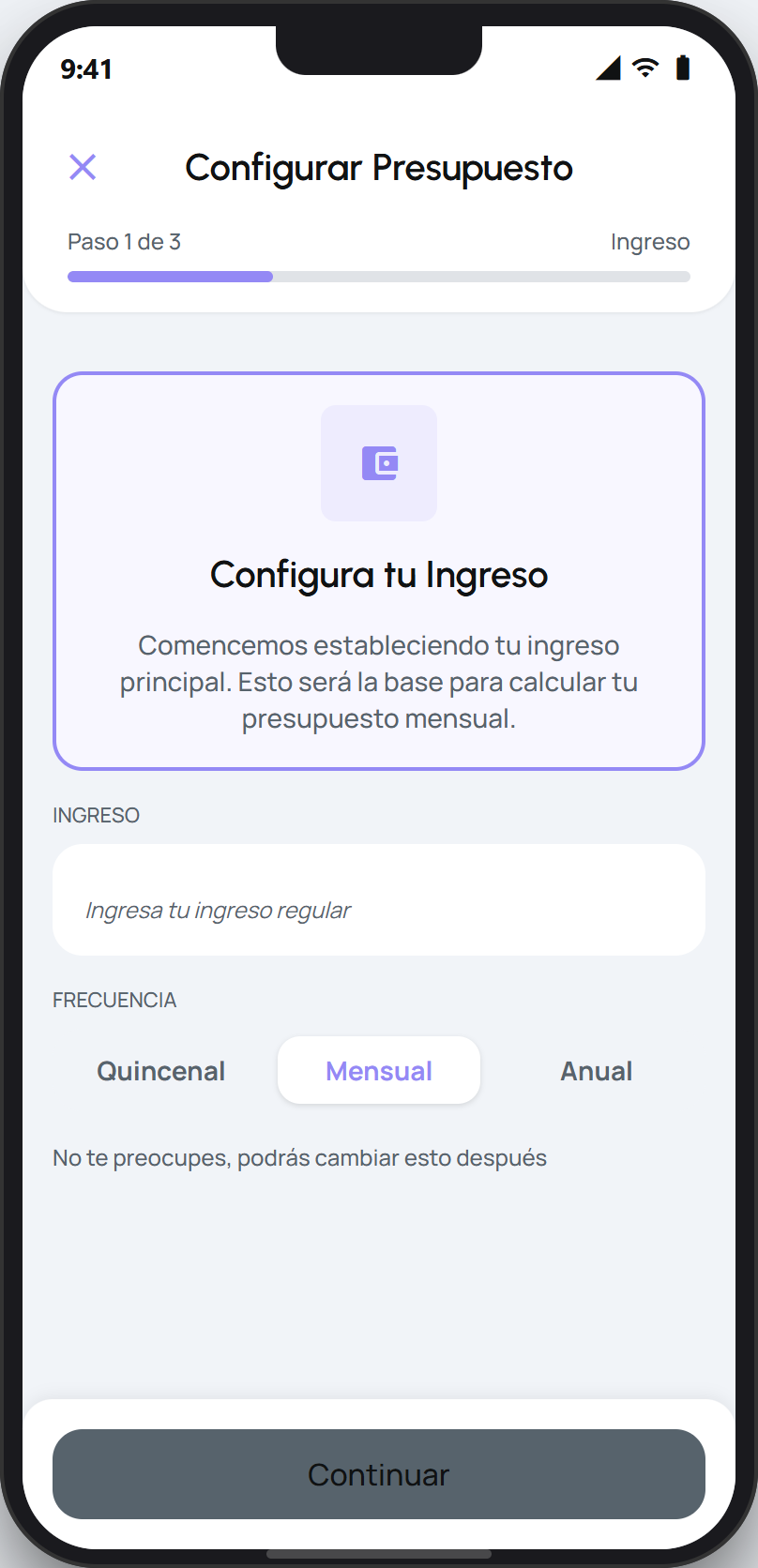
Open your budget for the first time to start the setup. On the first step, enter your income for the period and choose the frequency. Tap Continue.
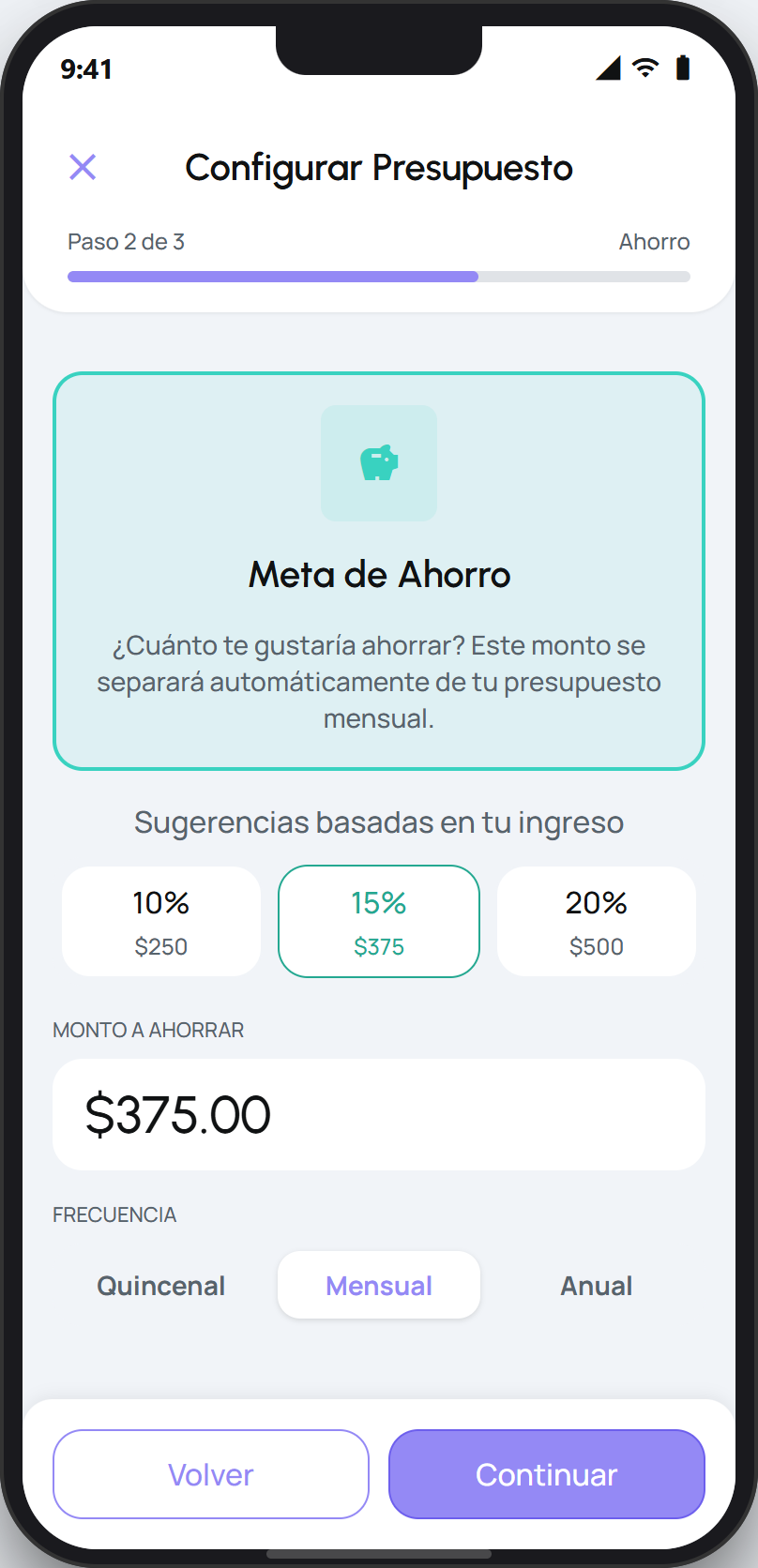
On the second step, set your savings goal: the amount you want to set aside in the period. facturillo suggests an amount and you can adjust it. Tap Continue.
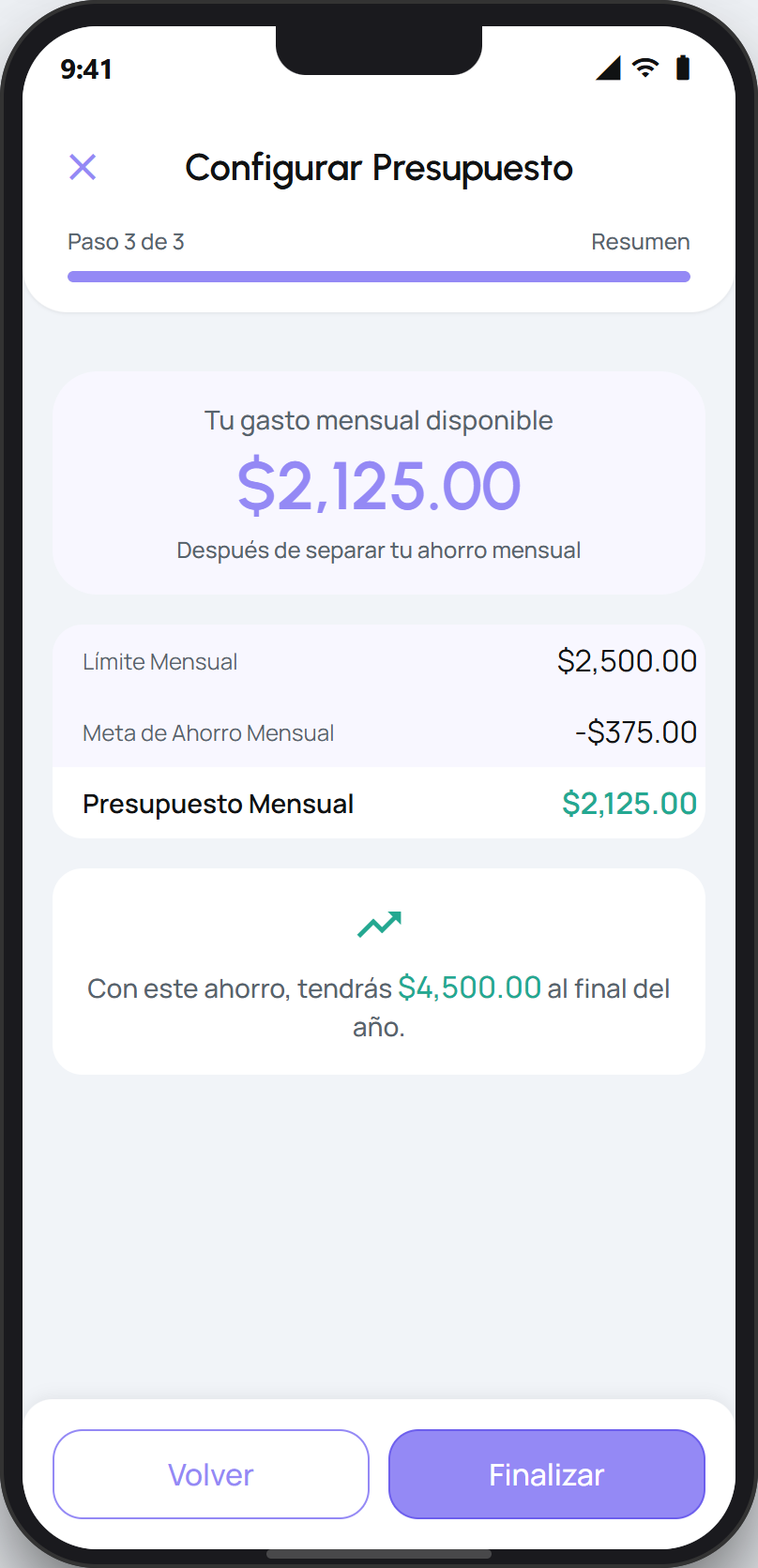
On the third step, review the summary: your income, your savings, and the budget you have left to spend. If everything looks right, tap Finalize.
When you finish, your budget is ready. You can adjust your income and your savings goal whenever you want from the budget screen, and log additional income for the period.
Tip
You can go back on any step with the Back button to fix an amount before you confirm.