
When you belong to more than one account, you choose which one you are working in at any moment. The active account decides which receipts and data you see and what you can do. Switching between them takes a moment and deletes nothing.
Before you start
- You need to belong to more than one account: your personal account plus a family or business account.
How to switch accounts
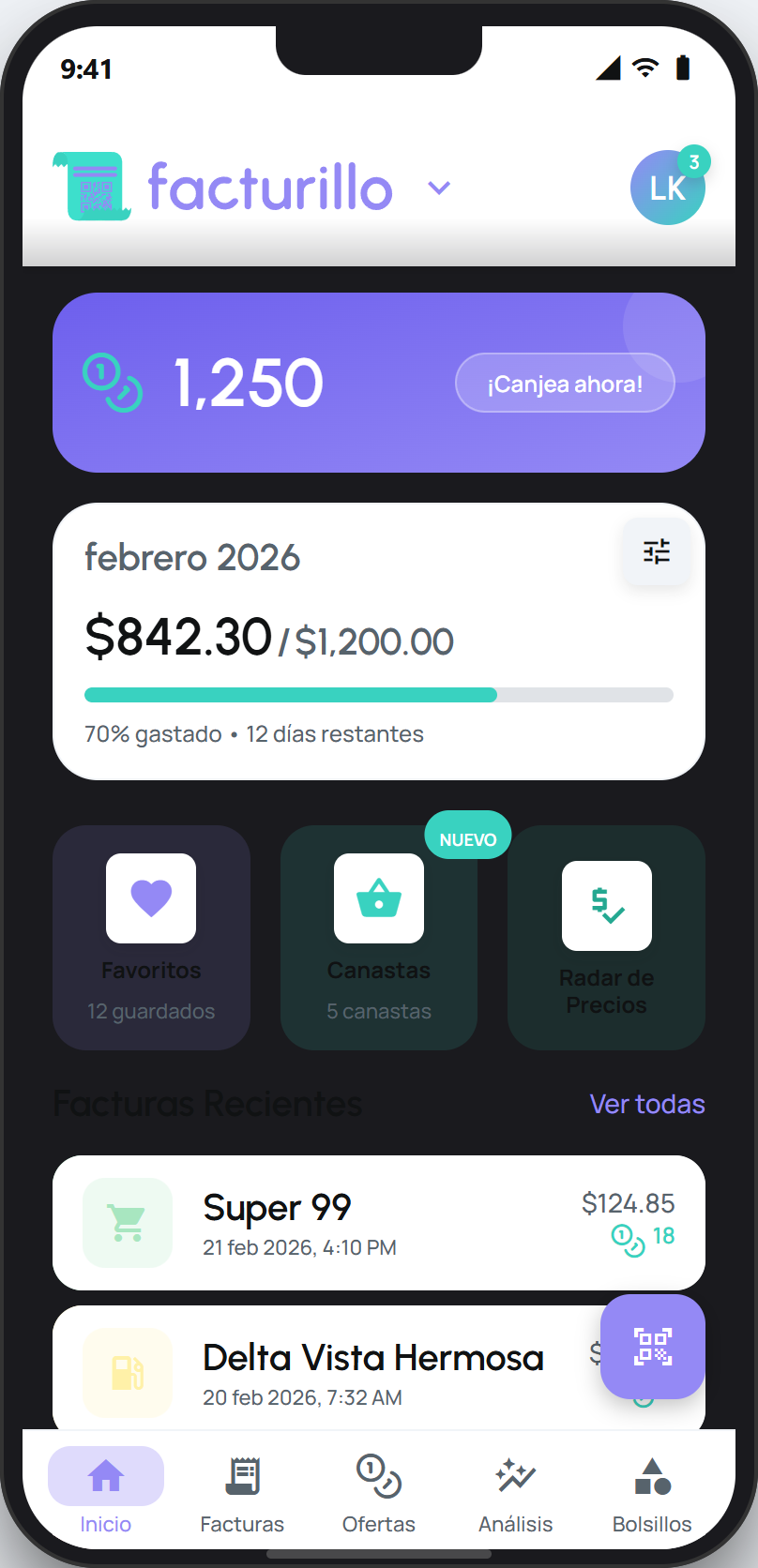
On the home screen, tap the facturillo logo at the top. When you belong to more than one account, the logo shows a down arrow.
The Accounts switcher opens. There you see your Personal account and your shared accounts, for example under FAMILY.
Tap the account you want to work in. The active account is marked.
facturillo switches and shows that account's receipts and data. To return to your own, open the switcher again and tap Personal.
Tip
If you «cannot see your receipts», it is almost always because you are in another account. Open the switcher and go back to your personal account. If a family account is still being set up by the owner, it shows as being set up until it is ready.