
In a family account, each person signs in with their own access and adds their receipts to the shared space. Here we explain how to invite someone, choose the role they join with, and what they see when they join. The same flow works for a business account.
Before you start
- You need a family or business account.
- Only the owner and admins can invite people.
How to invite
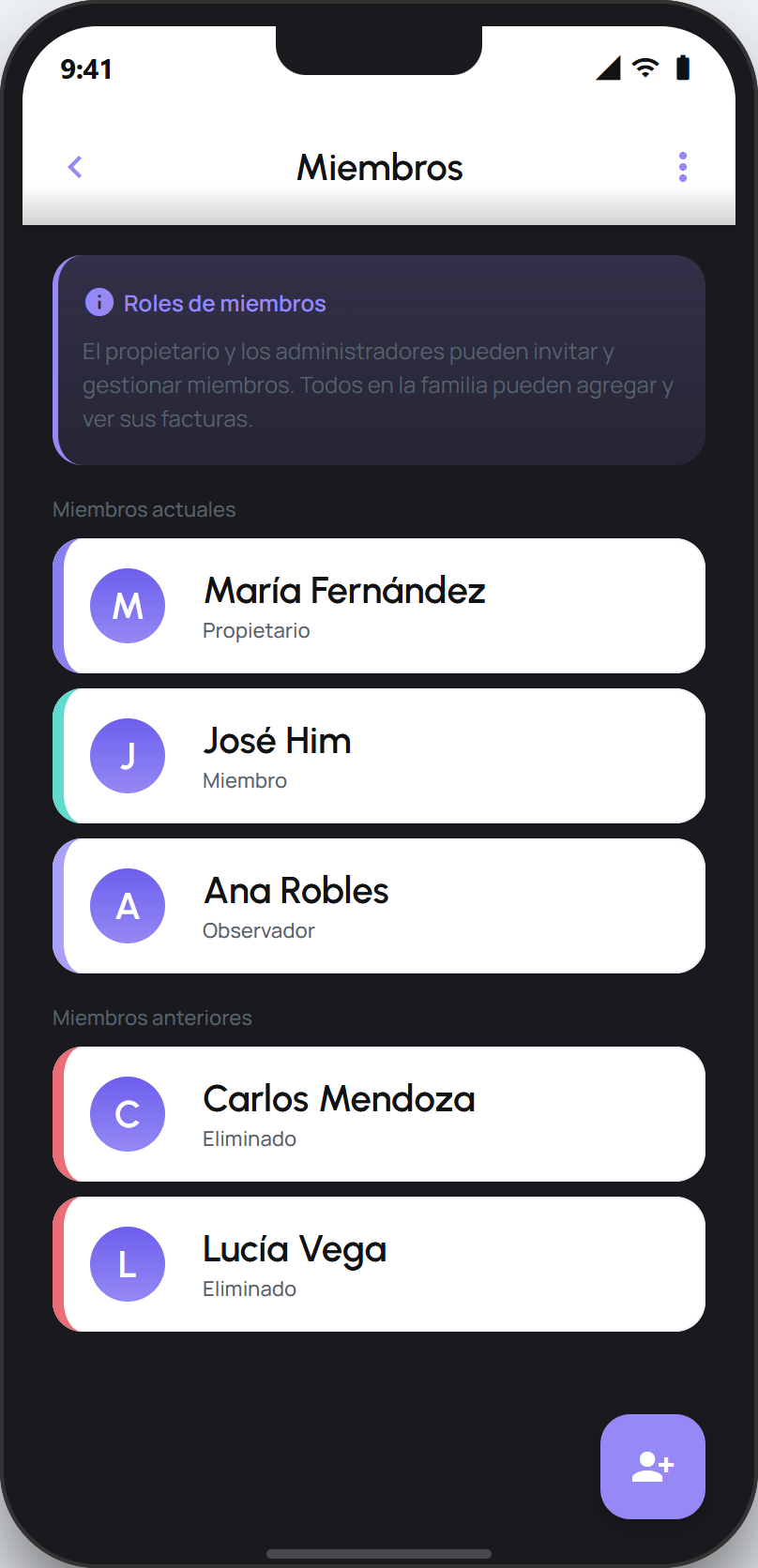
Open your profile and tap Members. This option appears when you are in a shared account.
On the Members screen, tap the invite button.
Choose the role they join with: Invite as Admin or Invite as Member.
facturillo creates an invite link and shows it as a QR code. Tap Share to send it to the person.
When the person opens the link, facturillo takes them into the app (or to the store to install it) and they join the account. Once joined, they appear under Current members.
What each role can do
Admin: can invite people, change roles, and remove members, as well as add their own receipts.
Member: is part of the account and adds their receipts to the shared space.
Later, an admin can tap a member in the list to change their role or remove them. People who were removed move to Past members.
Tip
Inviting someone does not touch their personal receipts. Each person still keeps their own personal account, and adds their receipts to the shared one.