
If you decide to leave, you can permanently delete your facturillo account and your data. Here we explain where to find the option, what the app confirms, and what to keep in mind about your subscription. Deleting your account is permanent, so read this before you continue.
Before you start
- Deleting your account is permanent.
- This option deletes your own personal account. A shared account is not deleted from here: you close it or leave it from the Members section.
How to delete your account
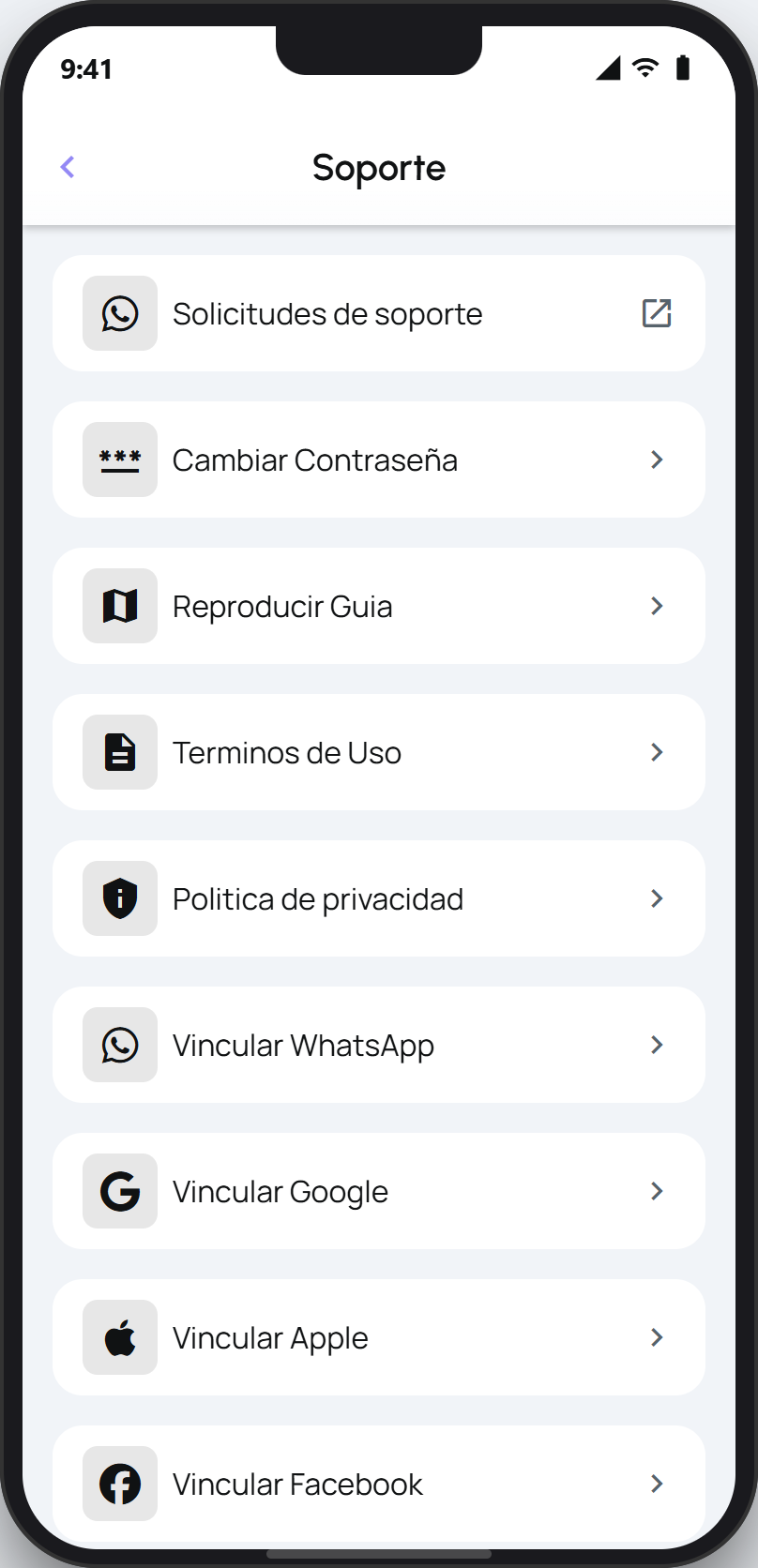
Open your profile and tap Support.
Scroll to the bottom and tap Delete my account (in red). This option only appears on your personal account.
A window opens with a warning. If you want, check the reasons you are leaving and leave a comment. This is optional.
Tap Delete account permanently.
You will see the Account deleted confirmation and facturillo will sign you out.
If you have a subscription
Your Pro or Familia subscription is billed through your phone's store, not inside facturillo. So deleting your account and cancelling your subscription are two different things. When you delete your account with an active subscription, the confirmation offers Cancel Subscription so you can manage it in the store. Check that it is cancelled there so you are not billed again.
Tip
If you only want to leave a family or business account, do not delete your account. Leave or close that shared account from the Members section; your personal account stays intact.