
You signed in and your usual receipts are not there, or the app behaves as if it were a brand-new account. Most of the time your account is not lost: you signed in with a different method or email than the one you used when you registered. facturillo keeps one account per way of signing in, so signing in another way takes you to a different space, not yours.
First things first
Your receipts are not lost: they are in the account you saved them with. The trick is to sign in again with the same method you registered with.
Check these, in order
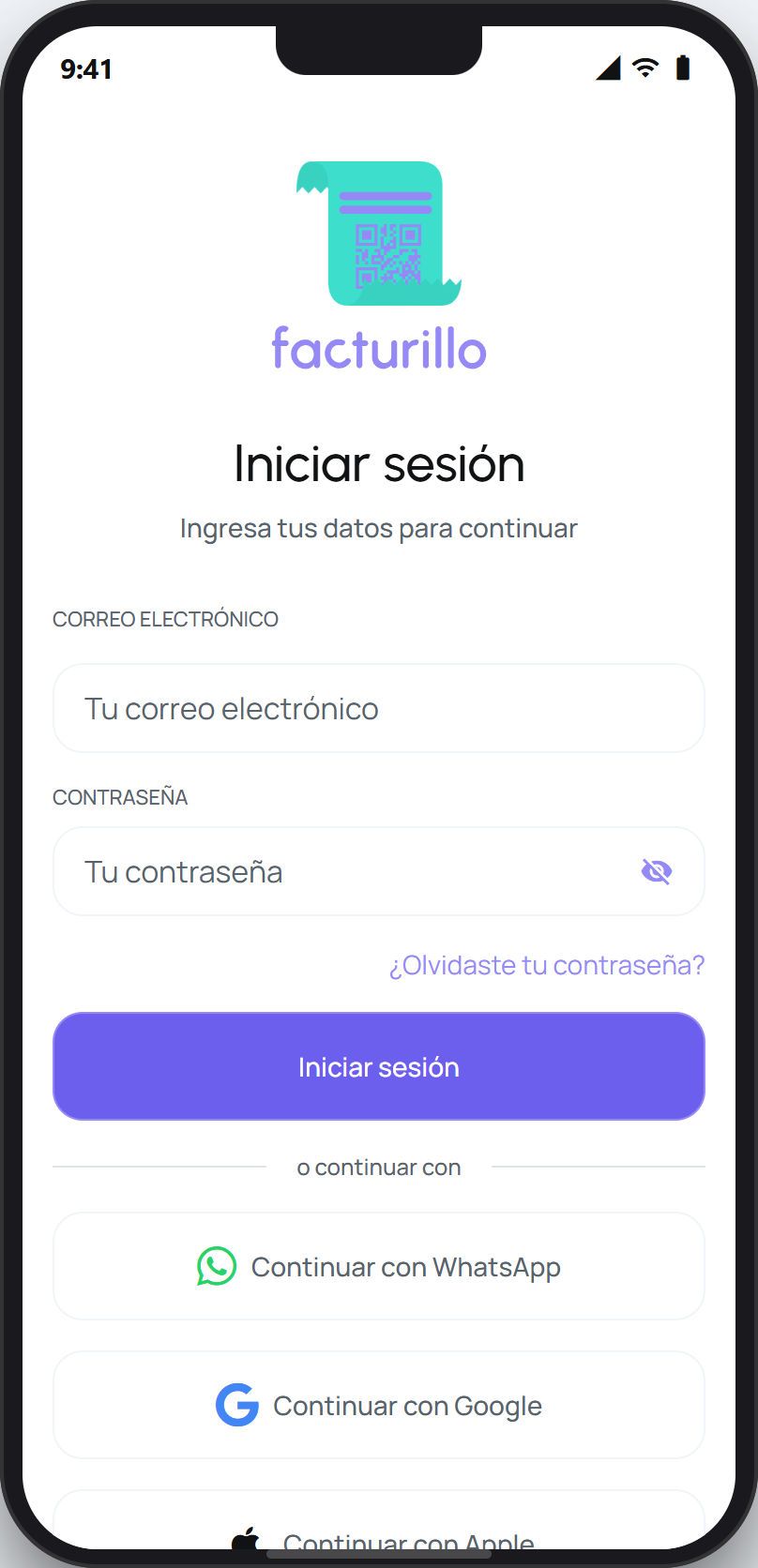
Use the same method you registered with. facturillo lets you sign in with email and password, WhatsApp, Google, Apple (on iPhone), or Facebook. If you do not remember which one you used, see Which method did I register with.
Confirm it is the same email or number. With Google, Apple, or Facebook, pick the same account you used when you registered. With WhatsApp, use the same number. A different Google or Apple account opens a separate, empty space.
If you sign in with email and the password does not work, do not create a new account. Tap «Forgot your password?» on the sign-in screen to reset it and get back to your usual account.
If you registered with Apple, always sign in with Apple. Apple may have created a private email with its «Hide My Email» option, so searching for that email will not help: the Apple button is the key.
Keep in mind
Registering again with a different method creates a separate, empty account. It does not mix in or delete the receipts in your original account. If you think you accidentally created a duplicate account, contact us and we will help you sort it out.
Once you sign in with the right method again, your receipts reappear. If you tried every method and none takes you to your account, contact us.