
To get into your account you need to use the same method you created it with, but sometimes you do not remember which one it was. facturillo lets you register with email and password, WhatsApp, Google, Apple (on iPhone), or Facebook. Here we help you figure out which one you used so you can get back to your account.
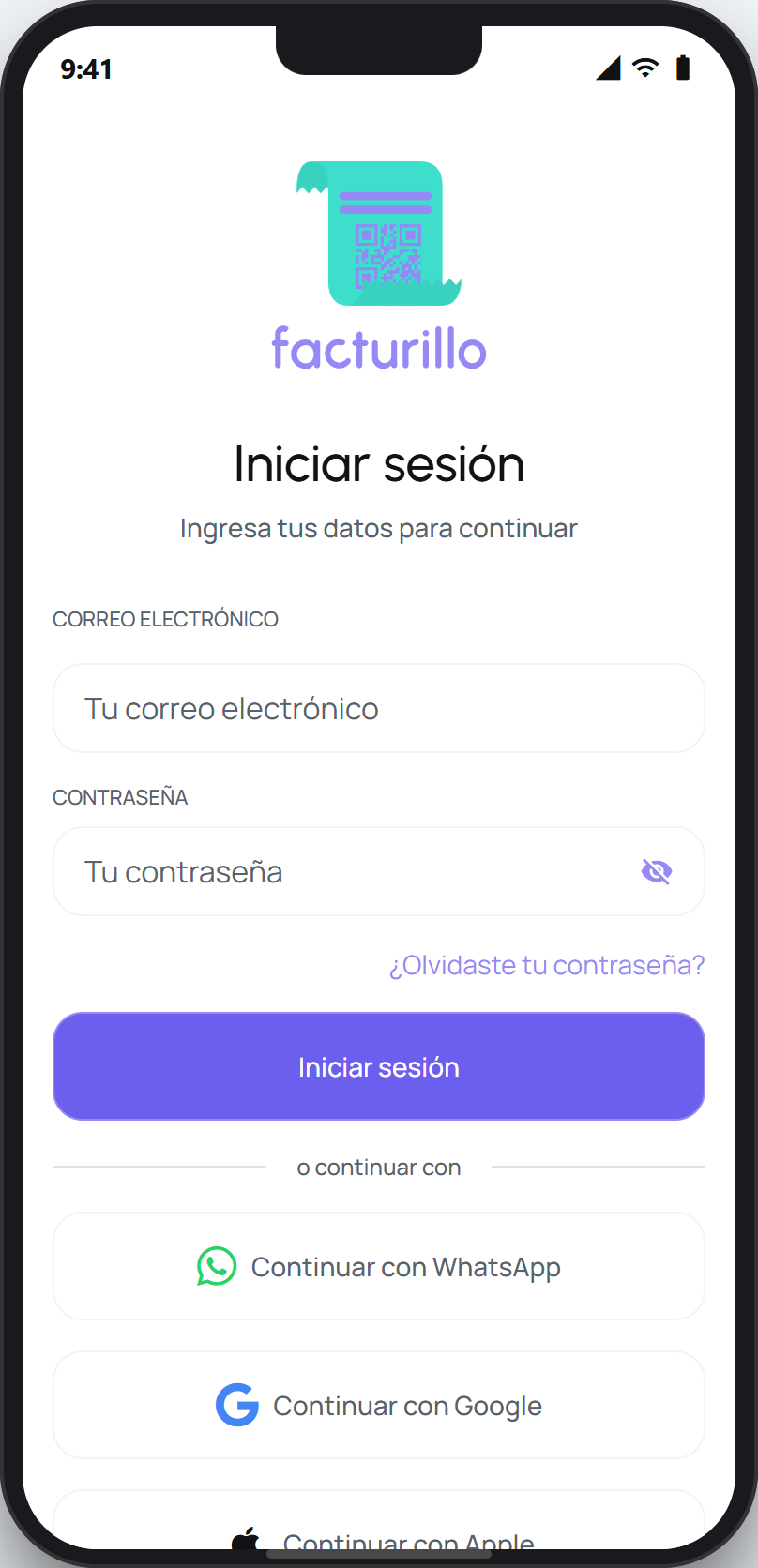
How to figure out your method
Think about what you tapped when you created the account. The sign-in screen shows the same buttons you saw when you registered: email and password, WhatsApp, Google, Apple, and Facebook. Often the icon jogs your memory.
Try the method you think you used. If tapping a social button (Google, Apple, or Facebook) takes you straight in and you see your receipts, that is your method. Check the account or email the system proposes: it should be the same one from registration.
If you think you used email, tap «Forgot your password?» and enter your email. If the password-reset message arrives, your account uses email. If no message arrives, you probably registered with another method.
If you used WhatsApp, sign in with the WhatsApp button using the same phone number you registered with.
If you have an iPhone and cannot recall, try Apple. Apple may have created a private email with «Hide My Email», so if you search for that email you will not recognize it: the Apple button is the key.
Tip
While you figure out your method, do not create a new account. Signing in with the right method is all it takes to get your receipts back.
If you tried every method calmly and still cannot land on the right one, contact us and we will help you identify your account.