
facturillo helps you keep your business expenses separate from your personal ones. You set up a business profile once and, from then on, you separate business from personal and add details like the RUC. It is a Pro feature.
Before you start
- The business profile is a Pro feature. On the Gratis plan you will see the plans screen first.
- Have your business details handy: taxpayer type, name or legal name, activity, and RUC.
Set up your business profile
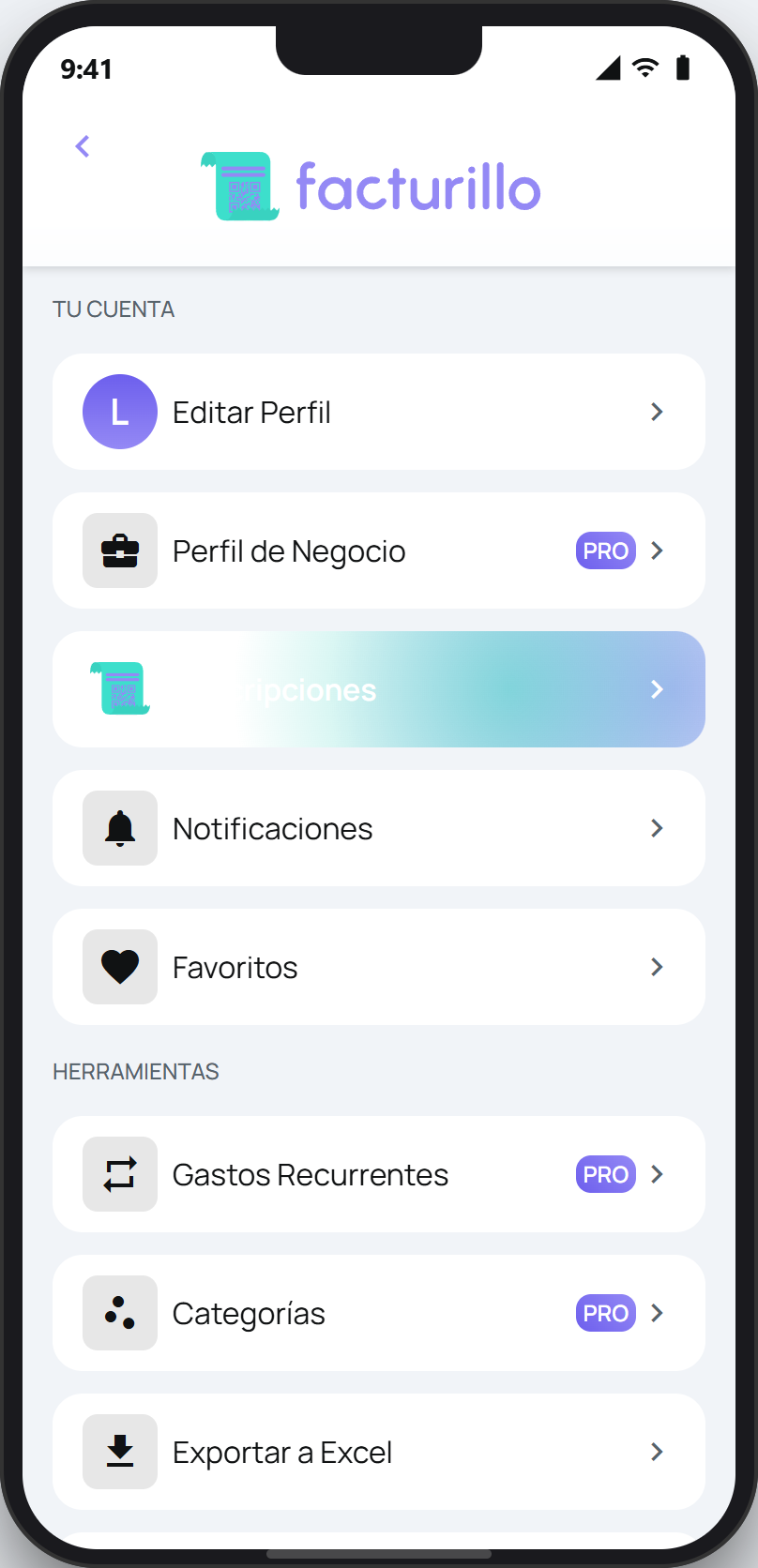
Open your profile and tap Business Profile.
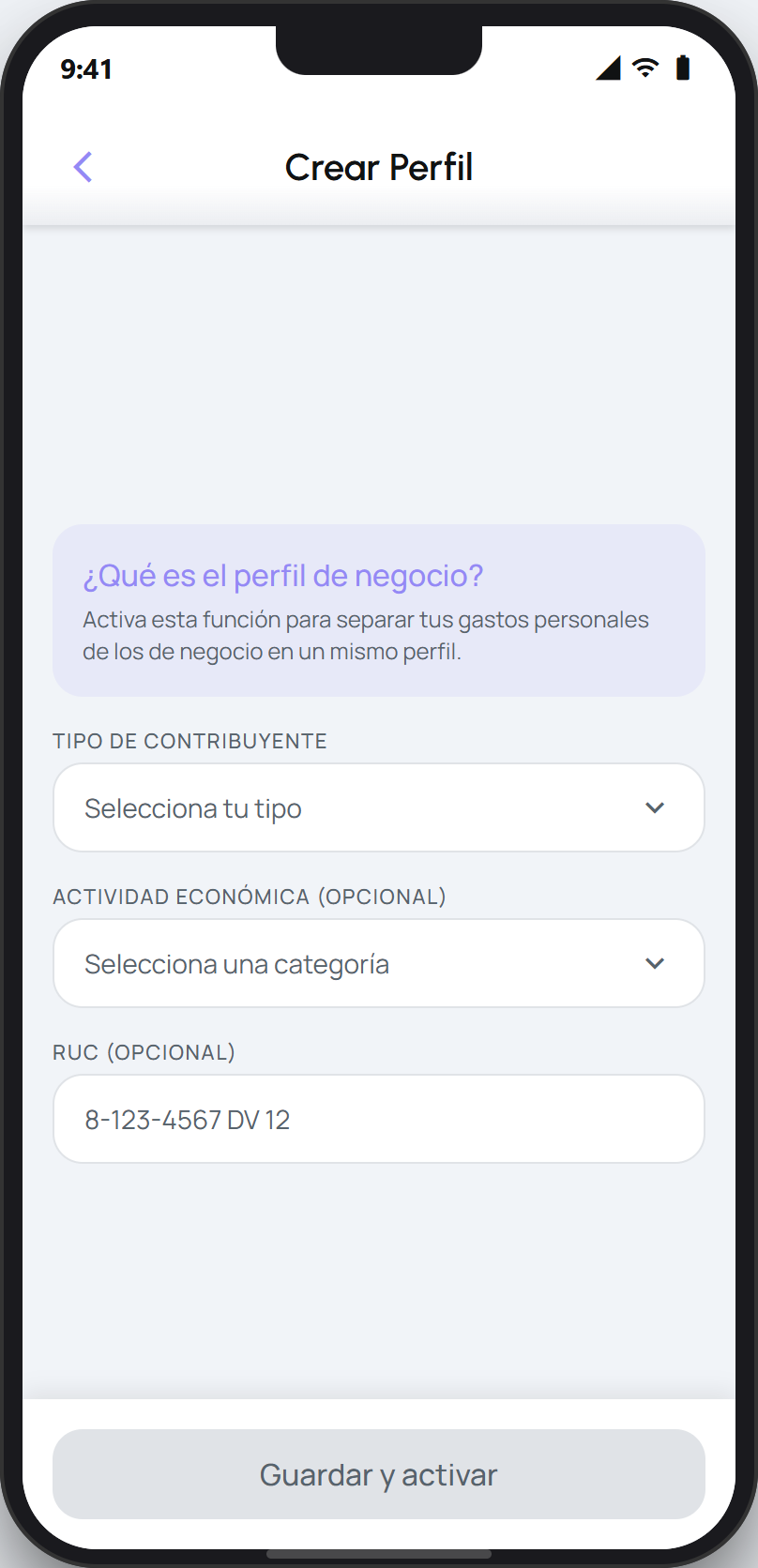
On Pro, the Create Profile form opens. (On the Gratis plan you will see the plans first.)
Choose the taxpayer type and fill in the Name (or Legal name for a company), the economic activity, and the RUC.
Tap Save & activate.
What you can do for your business
With the business profile active:
The home screen shows a selector to switch between your personal and business spending, so you see them separately.
When you add a receipt by hand, you can include the RUC and the ITBMS.
You can pause the business profile whenever you want from the menu on that same screen.
Tip
If you share a business account with other people, you switch between it and your personal account just like a family account, and you invite collaborators the same way. See the guides below.