
Puntos Facturillo are not added the instant you scan, but when the receipt finishes processing. So if you just scanned, it is normal for your balance to take a few moments to go up. Here we help you check what is going on.
How your receipts turn into points
Where you see your points
Your balance and the detail of each point you earned are in the Puntos tab, under Actividad de Puntos (points activity). Each receipt adds 25 base points plus 1 more point for each dollar of the purchase, and the point shows up together with the receipt once it is added to your list.
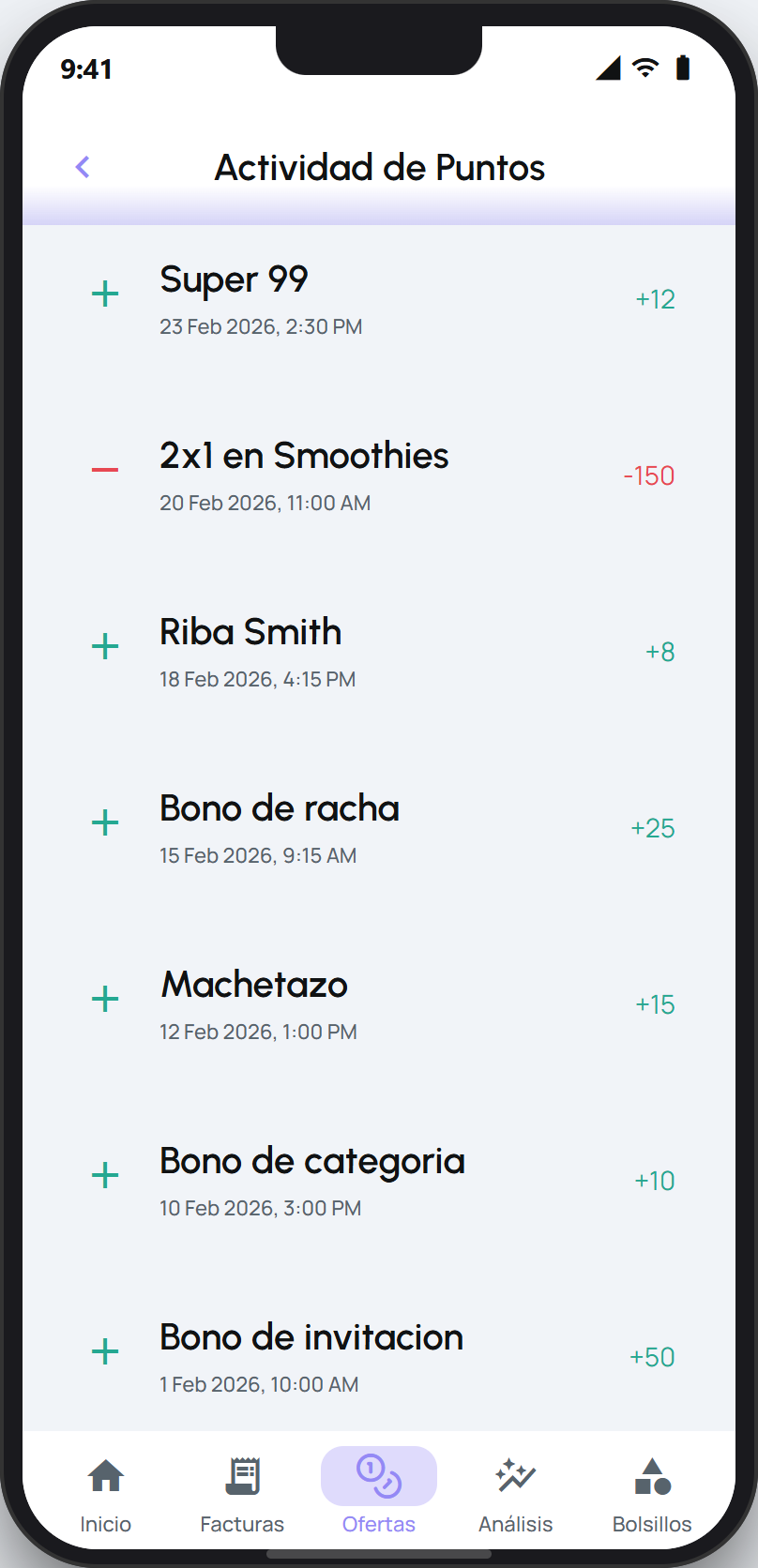
What to check
Did you just scan? Points are added when the receipt finishes processing. Wait a few moments and check your balance again in the Puntos tab.
Is the receipt still on «processing»? The point arrives once the DGI confirms its details. See My receipt has been «processing» for a long time ›
Could the receipt not be read, or was it never added? A receipt that did not process does not add points. Check its status and, if needed, add the CUFE by hand. See How scanning works ›
Are you enrolled in Puntos Facturillo? The balance and points live in the Puntos tab. If you have not enrolled yet, receipts do not accumulate points.
Tip
If the receipt appears in your list, the point is on its way. There is no need to scan it again: scanning the same receipt usually flags it as a duplicate and does not add points twice.
Next step
How Puntos Facturillo work ›If you want to know how many points you have or why a receipt has not added points yet, your AI assistant can check your balance and the status of your receipts for you.