When you scan a receipt, facturillo reads its code and sends it to the DGI to confirm the details. It almost always takes a few seconds, but some receipts can sit on «processing» for a while. This is a normal part of the flow and in most cases it resolves on its own.
How your receipt moves along
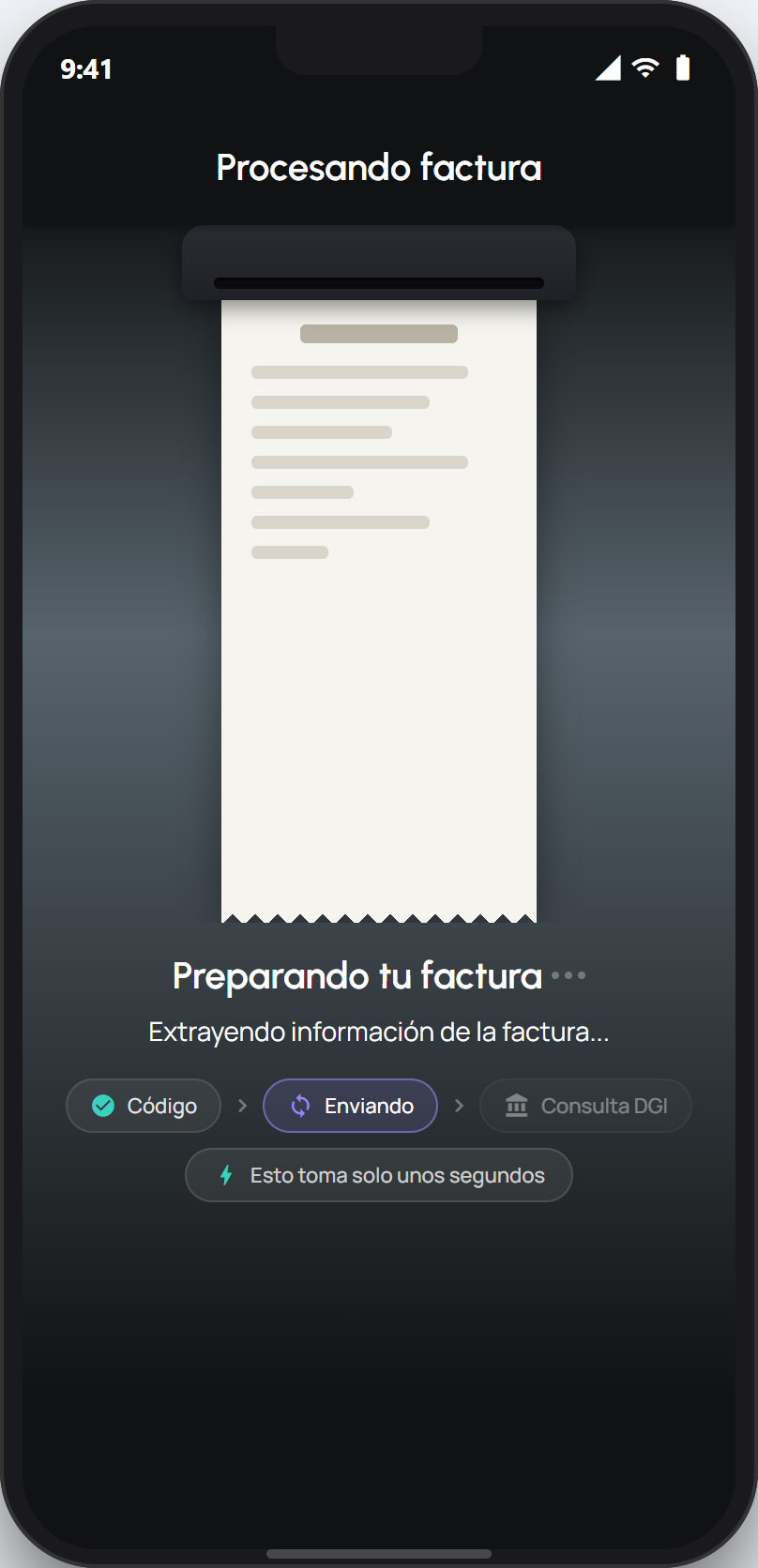
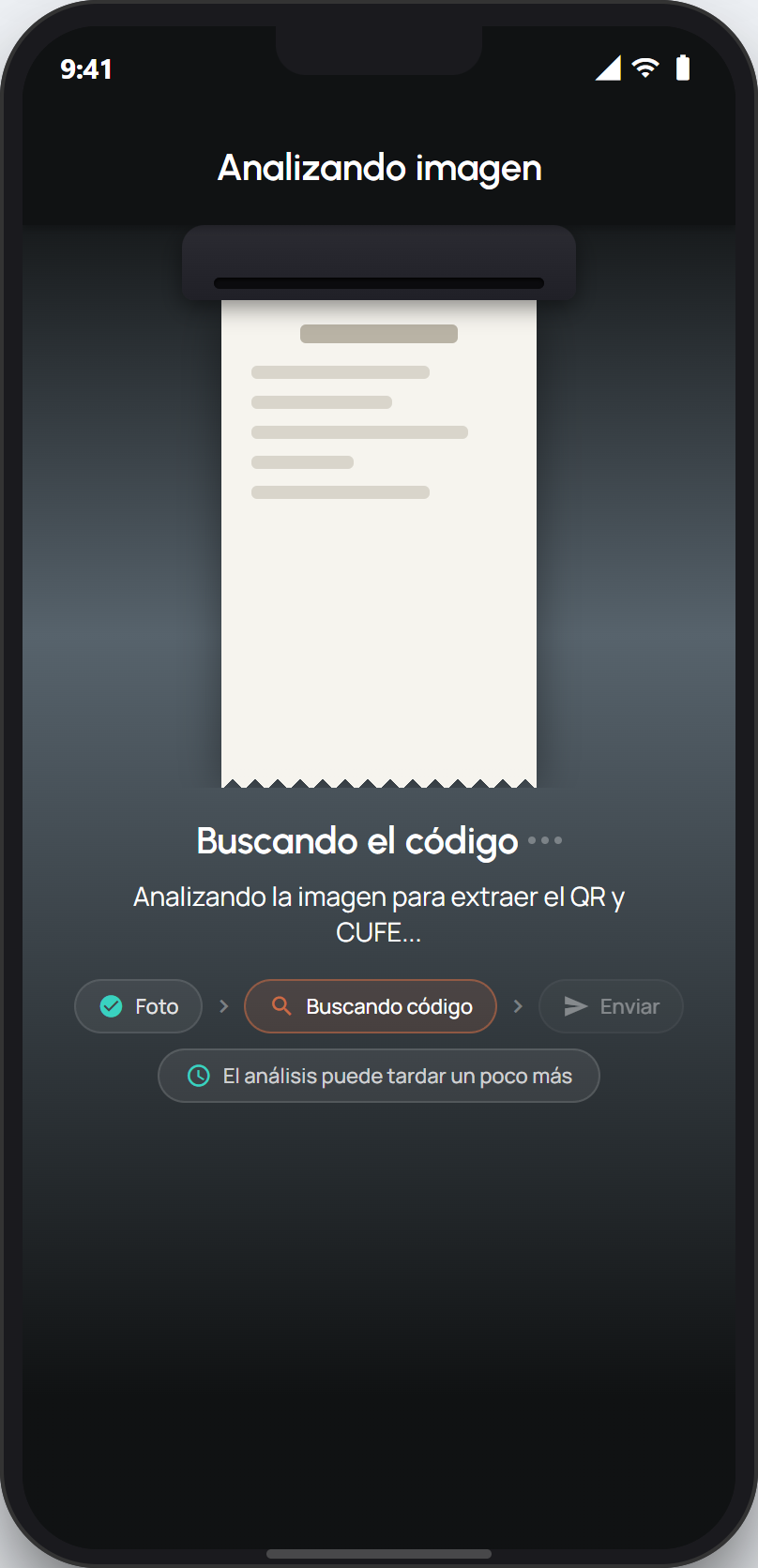
What you will see in the app
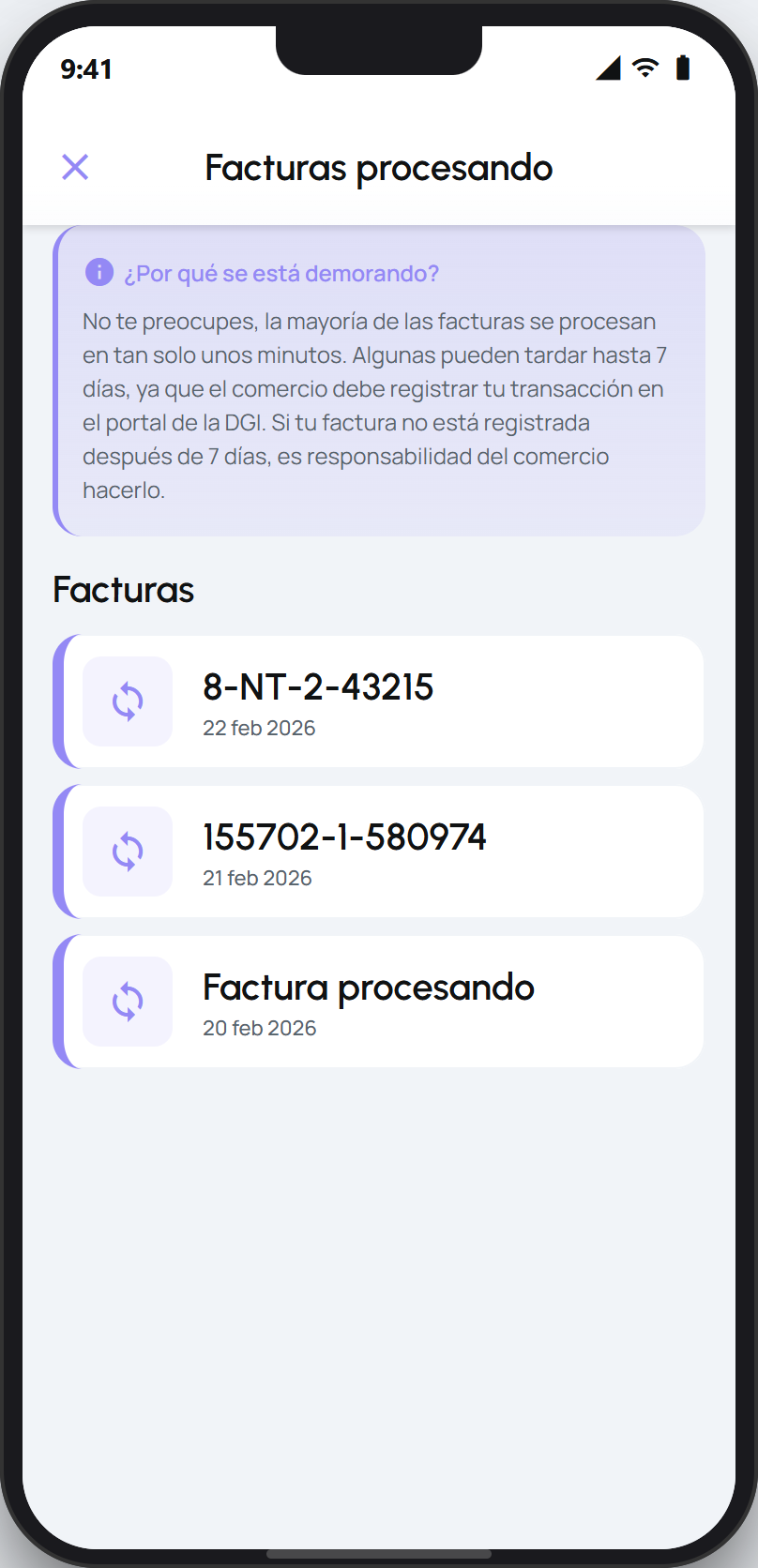
While your receipt moves along you will see these screens. The app sends the code, reviews the image when needed, and adds the receipt to your list as soon as the DGI responds.
What you can do
Wait a few minutes. Most receipts finish processing on their own shortly after you scan them.
Check the list of receipts in progress from the main screen to see which step each one is on.
If more than 24 hours pass and the receipt is still on «processing», reopen the app with an internet connection. If it still does not move, you can add the CUFE by hand or contact us.
Tip
Newly issued receipts can take longer while the DGI publishes them. If you scanned the receipt on the same day of the purchase, give it a little more time.
In most cases you do not need to do anything, the receipt is added on its own. If you want an answer with your real data, your AI assistant can check the status of your receipts for you.