
Not every merchant issues electronic invoices. Small businesses, some services, and informal sales hand you a receipt with no QR and no CUFE. That invoice cannot be scanned because there is no code to read, but you can record the expense in facturillo by adding it by hand.
This is different from a QR that will not scan
It is worth separating two cases that look alike:
- The invoice does have a CUFE, but the QR will not scan (blurry, wrinkled, cut off). The code exists there: you can type the CUFE by hand and facturillo verifies it with the DGI.
- The invoice has no CUFE (a merchant without electronic invoicing). There is no code to type: it is added as a manual expense, with the data you confirm.
This article covers the second case: when there is no CUFE anywhere on the paper.
How to record an invoice without a CUFE
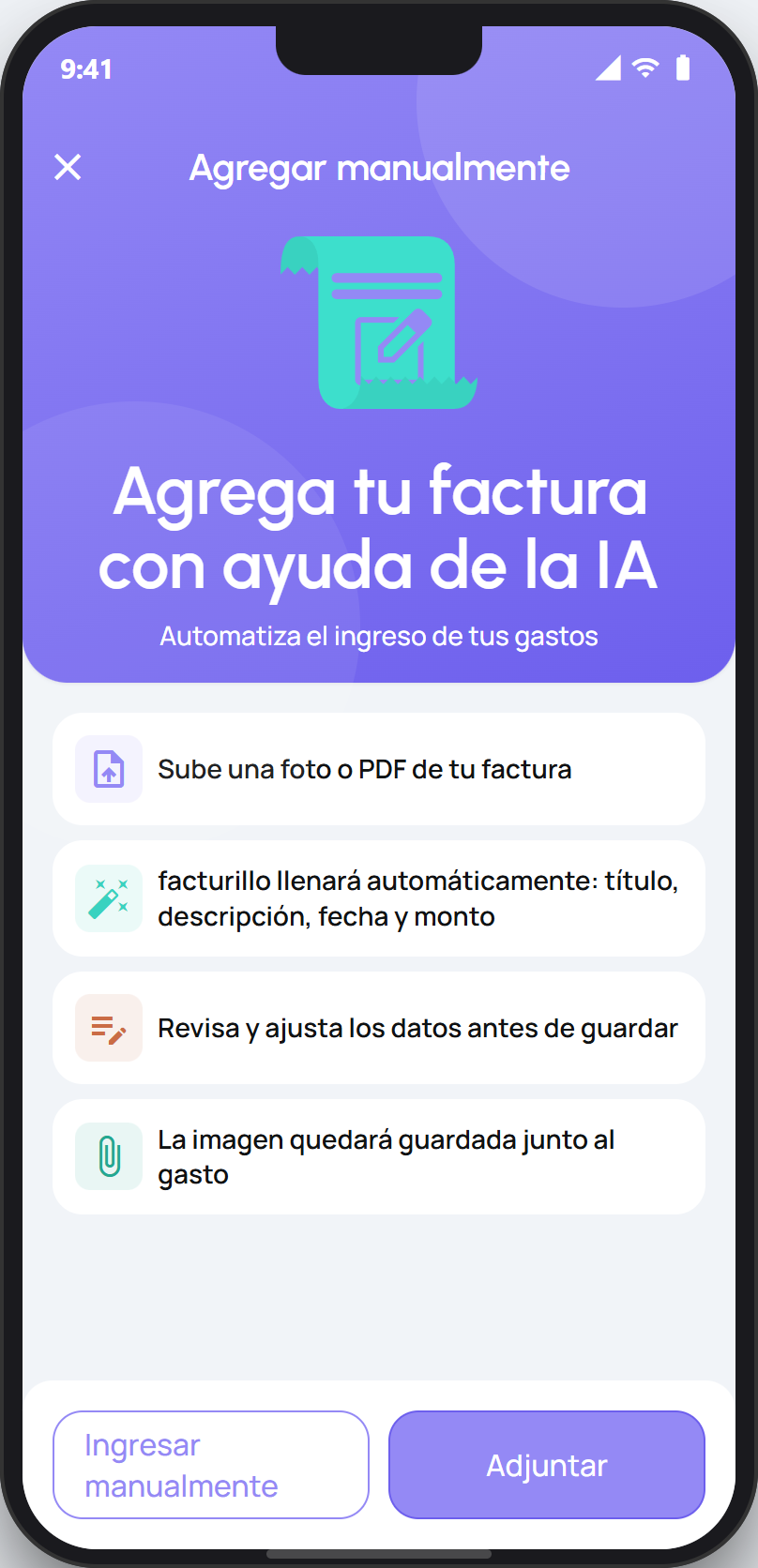
Open the scanner from the main screen and tap the Manual button. The Agregar manualmente screen opens.
Tap Adjuntar to choose a photo or PDF of the receipt, or tap Ingresar manualmente if you prefer to type the details yourself.
Review and complete the details (title, amount, date, category) and save. The expense lands in your list just like any other invoice.
Tip
An invoice added by hand does not go through DGI verification, so its data is whatever you confirm. Before deciding it has no CUFE, check the paper carefully: sometimes the CUFE is printed below the QR or on a second line.
Recording expenses from merchants without electronic invoicing lets you keep your whole month in one place, even when those receipts carry no code. For the full manual-entry steps, see the guide below.