
You bought something outside Panama and want to record it in facturillo. Receipts from abroad do not carry the QR or the CUFE of a Panamanian electronic invoice, so they cannot be scanned or confirmed with the DGI. That is fine: you add them by hand, and facturillo understands they are from another country.
How to add it
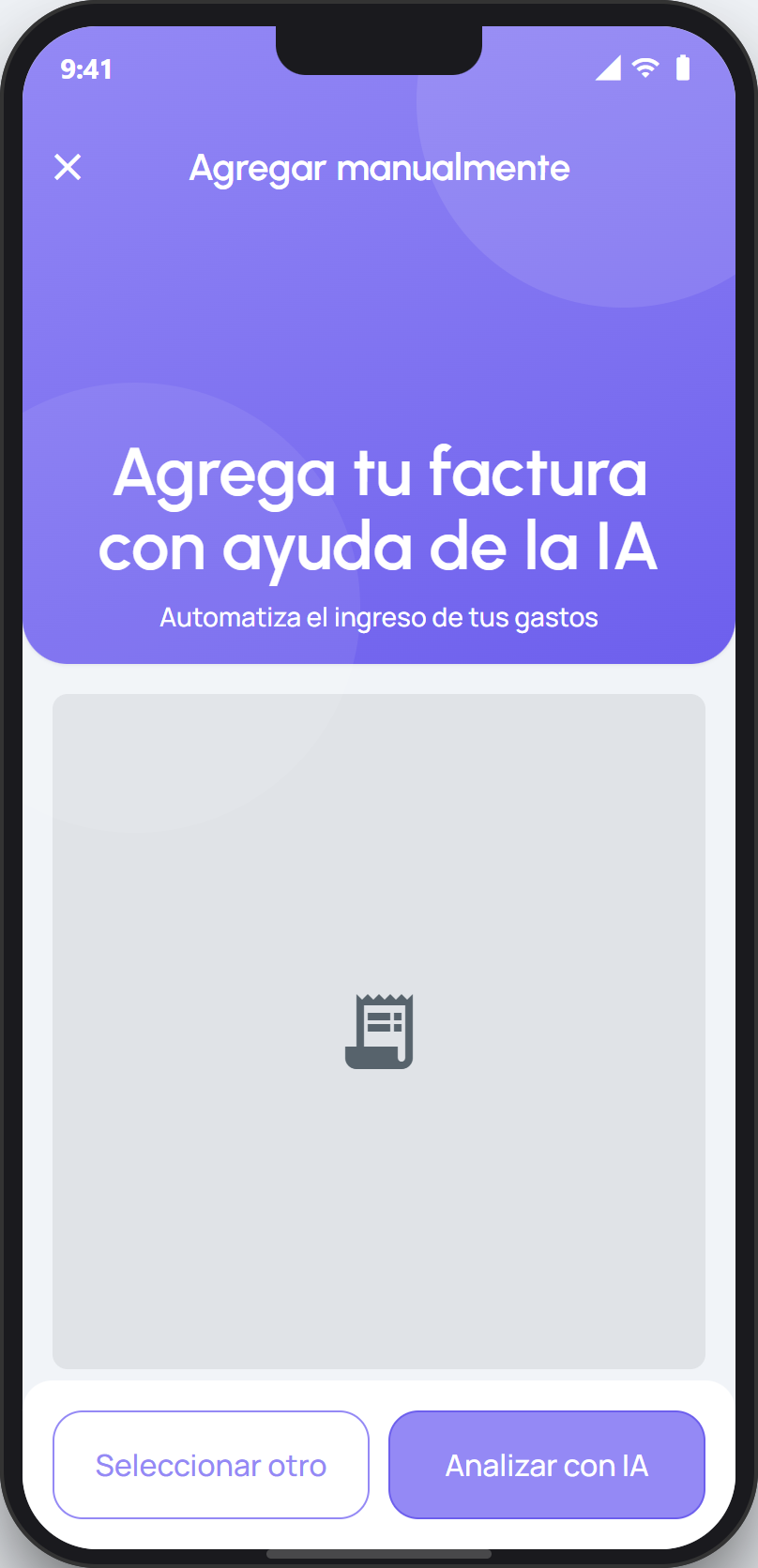
Open the scanner and tap the Manual button. Attach a photo or PDF of the receipt and tap Analyze with AI, or tap Enter manually to type the details yourself.
In the form, mark the receipt as foreign. When you do, facturillo lets you choose the currency and the exchange rate, so the amount is converted correctly.
Fill in the rest of the details (title, amount, date, and category) and save. The receipt lands in your list like any other.
Tip
On a foreign receipt, Panama's ITBMS tax and RUC do not apply, so those fields do not appear. You only need the amount, the currency, and the exchange rate.
Because a foreign receipt is entered by hand, its details are the ones you confirm: it does not go through DGI verification or the «processing» state. Otherwise, it behaves just like any receipt in your list.