
You scanned a receipt and you do not see it in your list. It is almost never lost: either it is still processing, you are looking at a different account, or a filter is on. Run these four checks in order and in most cases you find it right away.
Four things to check
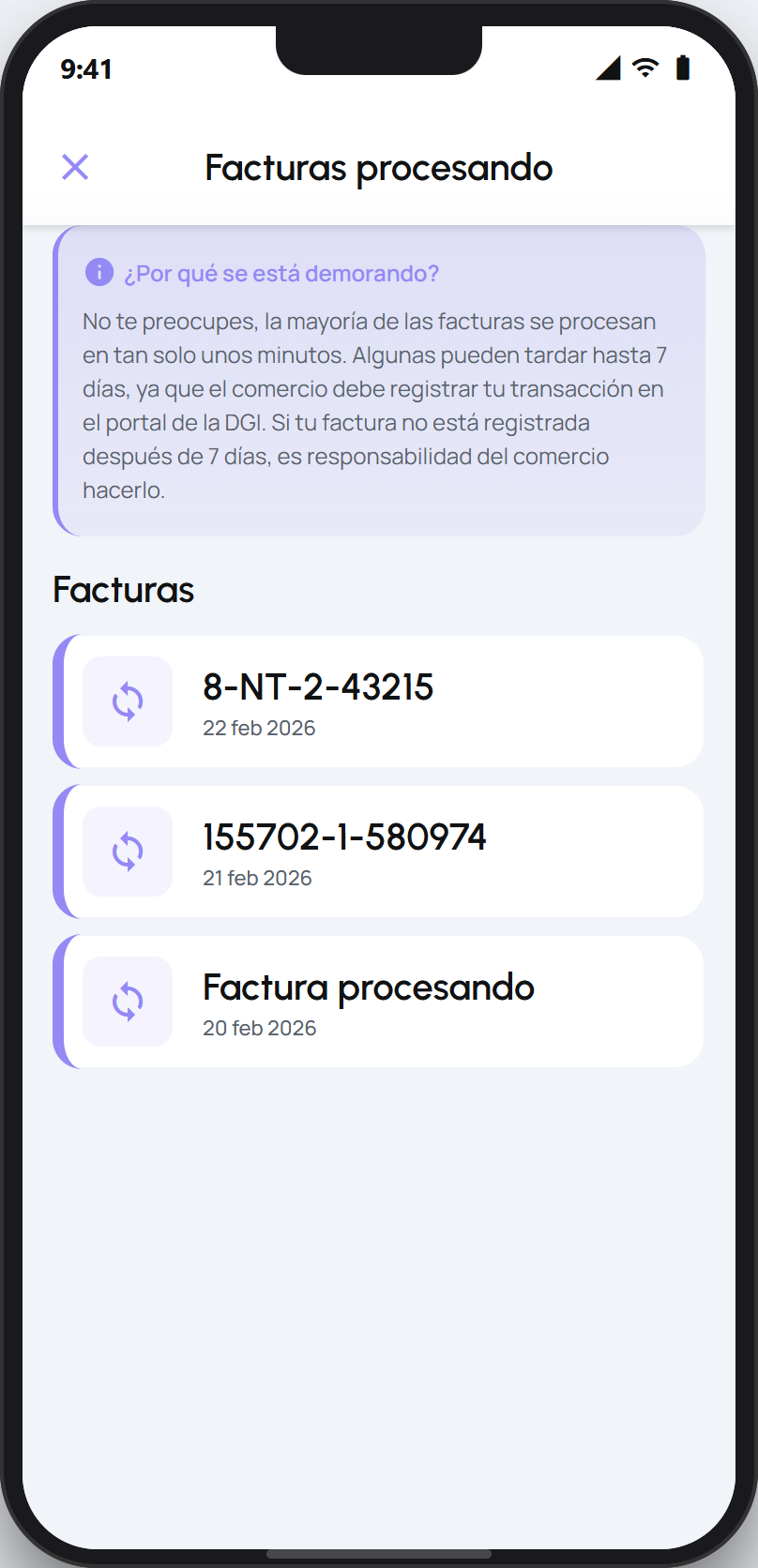
Is it still processing? Check the list of receipts in progress. If the receipt is there, it is still being added and will appear in your list as soon as the DGI responds. This is different from a stuck receipt: here it simply has not finished yet.
Are you in the right account? If you use facturillo with a personal, family, or business account, the receipt may have landed in another context. Switch accounts and check that list.
Do you have a filter or a Bolsillo set? A date, category, or Bolsillo filter can be hiding the receipt. Clear the filters and make sure the list is sorted by date so the most recent ones show on top.
Did the scan finish correctly? If, while scanning, you saw «could not read» instead of an added receipt, then it never got saved. Scan it again or type the CUFE by hand.
Tip
Do not rescan a receipt that still appears in the list of receipts in progress. Scanning the same receipt again usually flags it as a duplicate.
If your receipt does appear in the list but has been stuck on «processing» for a long time, that is a separate case covered by another guide.