
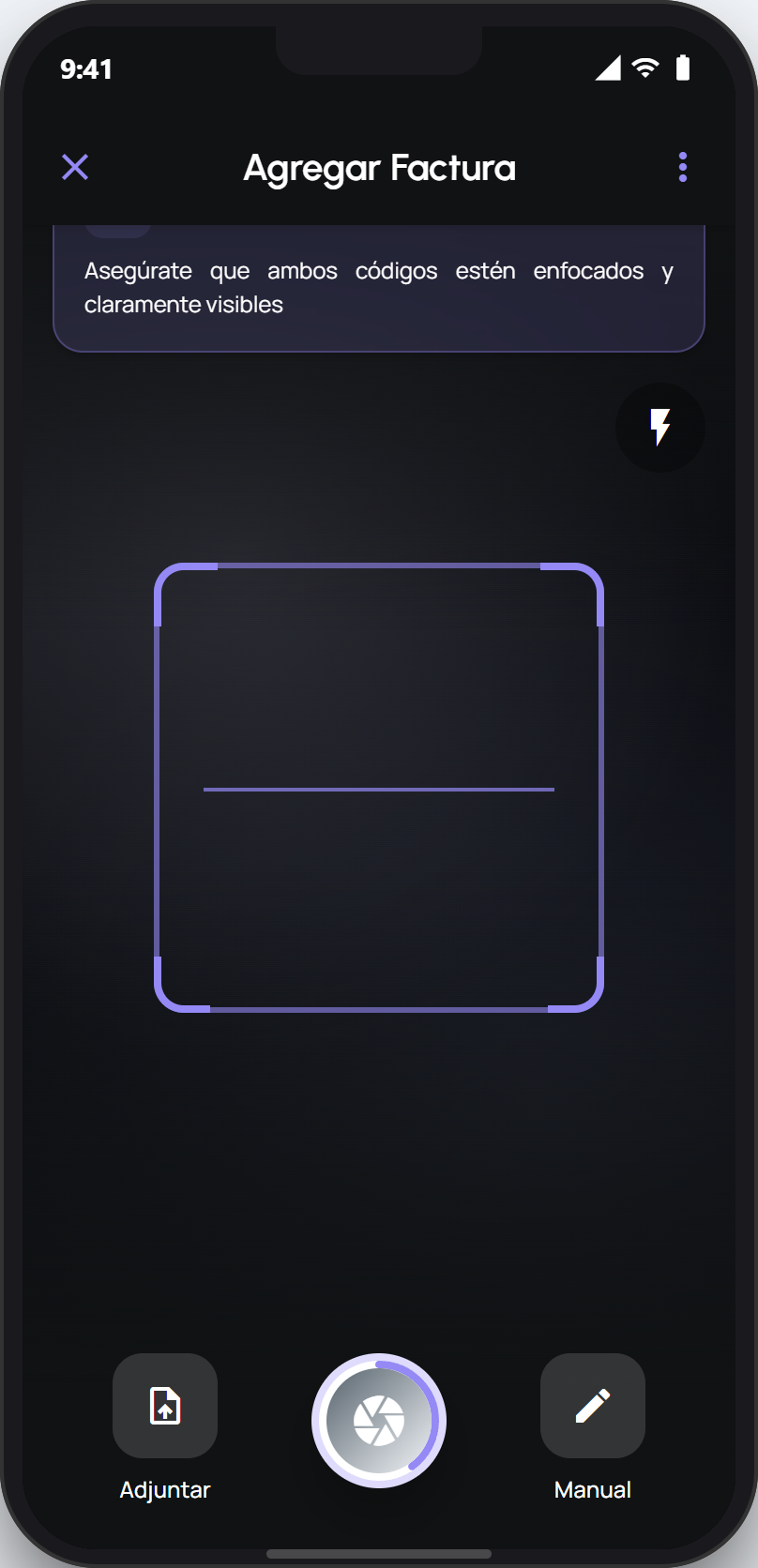
facturillo reads the receipt's code from the camera, so most scans that fail come down to the photo: low light, a finger over the code, a shaky hand, or a wrinkled receipt. A few small habits get the QR to catch on the first try.
Five tips that fix almost everything
Find good light. A code in the shadows is the most common reason a scan fails. Move near a window or turn on a lamp, and keep your own phone's shadow off the receipt.
Keep fingers off the code. When you hold the receipt, leave the QR and the CUFE row fully clear. A finger over them is a frequent cause of an incomplete code.
Hold the phone steady. Rest your elbows or the receipt on a flat surface and wait a second for the image to sharpen. A shaky photo comes out blurry and the code will not catch.
Flatten the receipt. If it is wrinkled or folded right over the code, smooth it with your hand. A crease across the QR or the CUFE can make it unreadable.
Mind the distance. Keep the phone about 15 to 20 cm from the receipt and frame the code inside the guide. Too close blurs it, too far makes the code too small to read.
Tip
Wipe the camera lens before scanning. A fingerprint or a bit of dust on the lens makes every photo blurry without you noticing.
If it still will not read
If you have already handled the light, the steadiness, and the framing and the QR still will not read, do not stay stuck: type the CUFE by hand. It is the most reliable alternate route when the code is damaged or poorly printed, and the receipt is added just like a scanned one.