
Sometimes facturillo reads the invoice's CUFE but tells you it is missing its security code. The security code is the last part of the CUFE, and without it the DGI cannot confirm the invoice. It usually happens when the invoice printed the CUFE incomplete, or when it came out short while being copied.
What the security code is
The CUFE (Unique Electronic Invoice Code) is a long code of numbers and letters, and it ends in a final stretch that works as its security code. The DGI needs it complete, from the first character to the last, to find the invoice. If that code is missing the end, it is incomplete and cannot be verified.
What you can do
Find the full CUFE on the invoice. It is usually next to the QR, and sometimes continues below or on a second line. The security code is the last part, so make sure it is not cut off at the end.
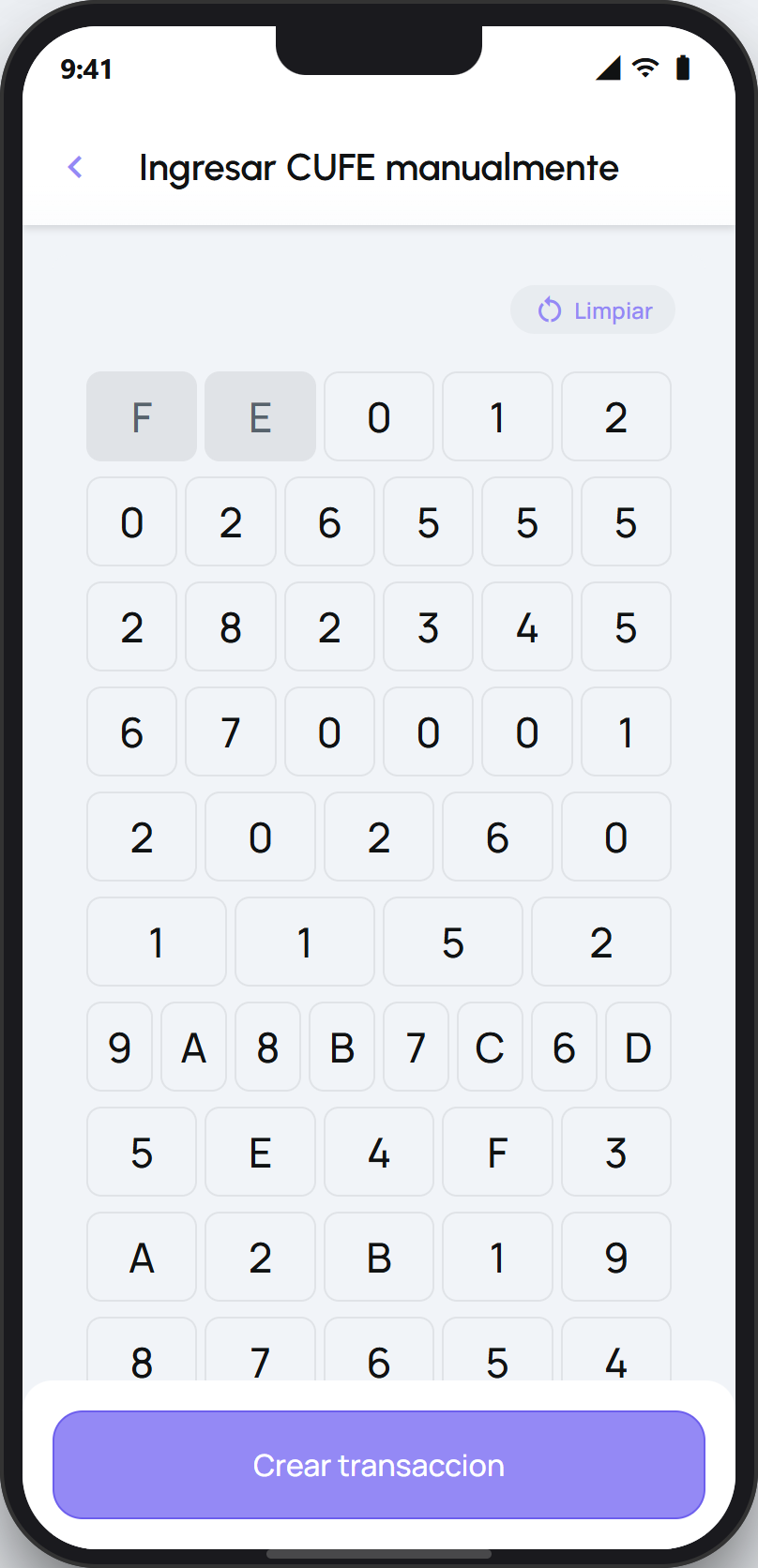
Type the CUFE by hand with every character, including the final stretch. The app validates the code as you type and only enables Create transaction when the CUFE is complete.
If the CUFE on the paper truly does not carry its security code (some invoices print it cut off), keep the paper invoice and contact us for help.
Tip
If the button to create the transaction will not turn on, the CUFE is still missing characters. Compare what you typed against the invoice from start to finish, paying special attention to the final stretch, which is the part that most often comes up short.
For the full steps on typing the CUFE by hand, see the article below. What matters here is that the code goes in whole, including its security code at the end.