
Many electronic invoices land straight in your inbox. Instead of saving them and uploading them one by one, you can forward them to the facturillo mailbox and they are filed on their own. First you turn the service on, then you forward.
Before you start
- You have to turn the service on once. Until you do, the mailbox receives nothing.
- Always forward from your facturillo account email: that is how we know the receipt is yours.
- Accepted: PDFs, images and the email body itself. XML files are not processed.
Turn the service on
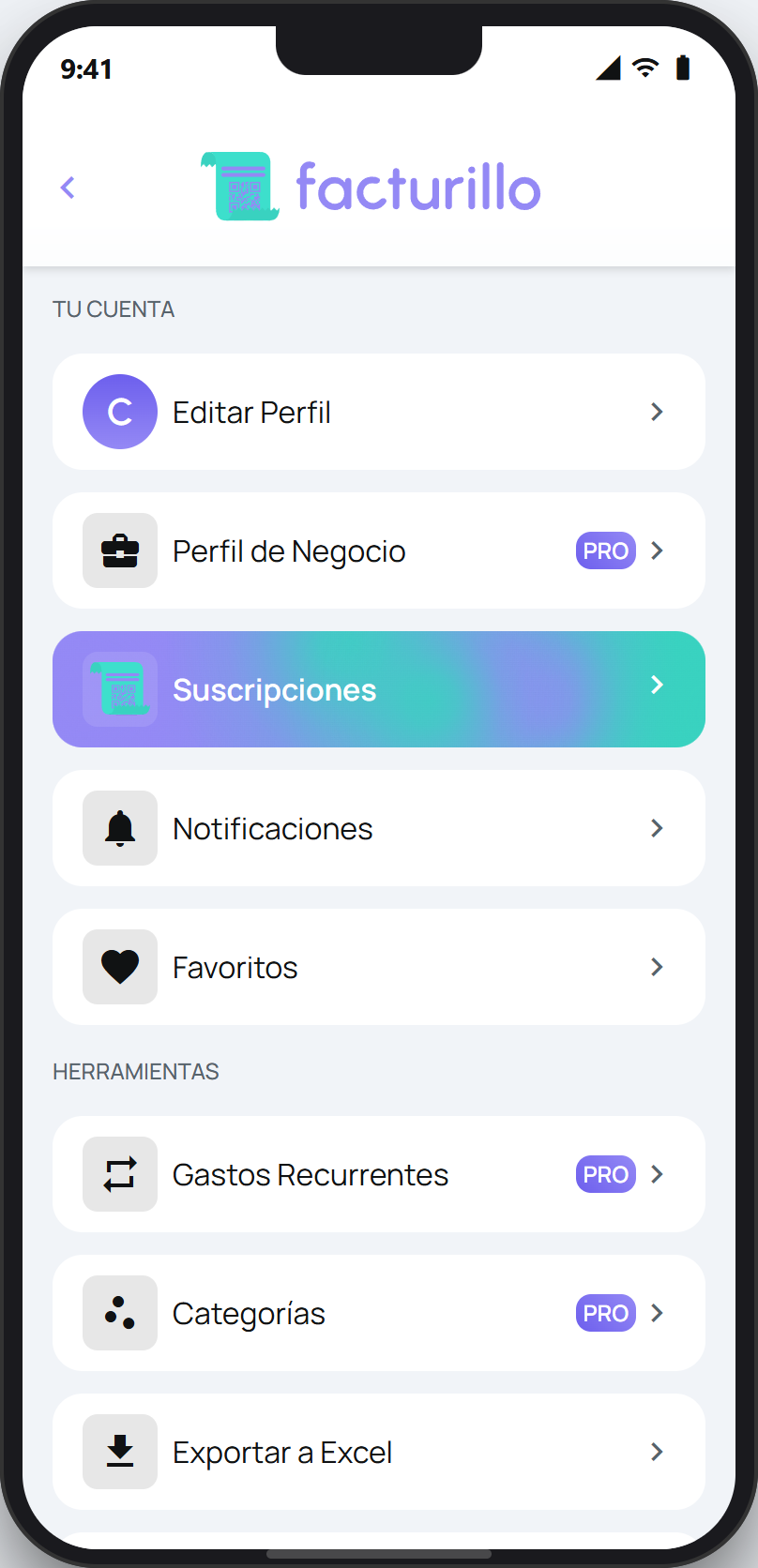
On the home screen, tap the round button at the top right (it alternates between your profile photo and a three-dot icon) to open your profile. In the TOOLS section, tap Email Forwarding. You can also get there from the scanner: tap Upload and choose Email Forwarding in the Options sheet.
Forward invoices by email opens. Tap Activate service. If you ever want to stop it, the same place shows Deactivate service.
With the service on, your PERSONAL mailbox appears, where receipts land in your personal space. Tap the card and the address is copied to the clipboard.
Forward your receipts
Your personal mailbox
enviar@facturas.facturillo.com
Forward the email with your invoice to that address, exactly as it arrived. facturillo receives it, reads the invoice and files it in your account. The address shown inside the app is always the current one, so if it ever changes, the app shows you the right one.
What makes the receipt yours is the address you forward from. It has to be your facturillo account email (or one you have authorized). If you forward from a different address, the email cannot be matched to your account.
Tip: make it automatic
In Gmail or Outlook you can create an auto-forwarding rule pointing at that mailbox, so your invoices come in on their own. We send a confirmation link to your email to finish setting it up.
What is free and what is not
Forwarding electronic invoices that carry a QR or a CUFE works on the Gratis plan, with no limit. What does need a paid plan, with Pro or Familia PRO, is the AI reading: when the email carries a PDF, an image or just text and there is no CUFE to look up, facturillo reads the document with AI to build the receipt.
The AI reading has a daily limit per person. If you reach it we let you know by email, and electronic invoices with a CUFE keep coming in as usual.