
Your facturillo subscription is purchased inside the app, but billing lives in your phone's store. Here is how to upgrade your plan, restore a purchase, and change or cancel your subscription.
Before you start
- check_circleHave the latest version of the app installed.
- check_circleSign in with the same account and the same store (App Store or Google Play) you bought with.
Upgrade to Pro or Familia
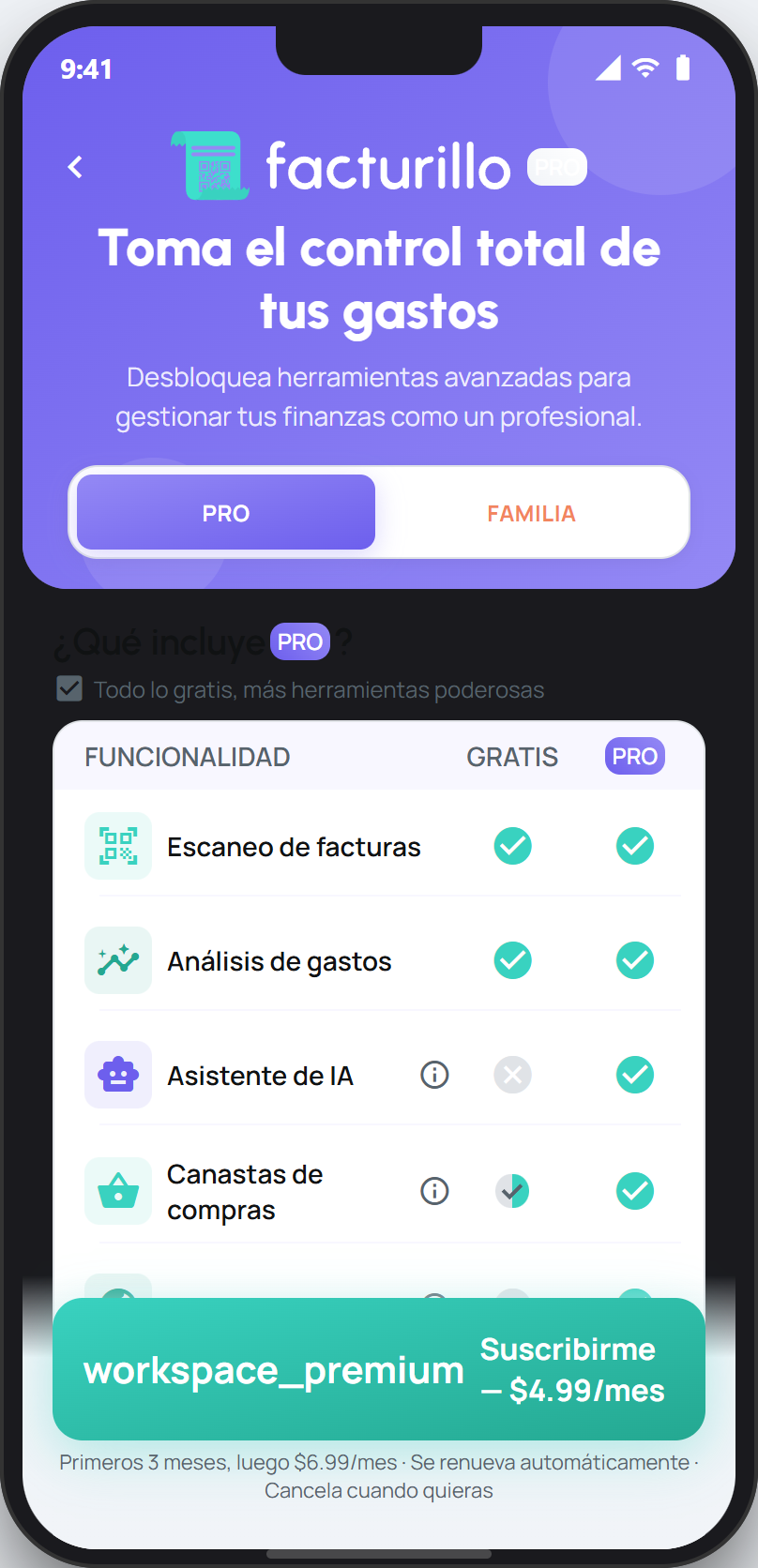
Open the facturillo plans screen. You can reach it from any Pro feature or from your profile.
Choose the Pro or Familia tab to see what each one includes and its price.
Tap Suscribirme for Pro, or Activar Familia for the Familia plan. Payment is completed in your phone's store.
Restore your purchase
If you already paid but the app shows you as Gratis, do not pay again. Go back to the plans screen and use the option to restore your purchase. facturillo recognizes your plan again with the same store account you bought with.
Change or cancel your plan
Pro and Familia renew on their own until you cancel. Billing, changes, and cancellation are handled from the same store where you bought, not inside facturillo:
On iPhone: open Settings, tap your name, and go to Subscriptions. There you can change or cancel your facturillo plan.
On Android: open Google Play, tap your profile picture, and go to Payments and subscriptions › Subscriptions. There you manage your facturillo plan.
Tip
If you cancel, you keep your plan's features until the end of the period you already paid for. And if a Familia account lapses, it switches to read-only mode until it is renewed, but no one loses their receipts.
If you want, your AI assistant can confirm which plan your account shows.