
You paid for Pro or Familia, but the app still shows you as Gratis. Do not pay again: most of the time the app just needs to recognize the purchase you already made. Billing and the subscription live in your phone's store, so restoring the purchase reactivates your plan.
First things first
Do not pay again. Restoring the purchase recognizes what you already paid; buying again could charge you twice.
How to restore your purchase
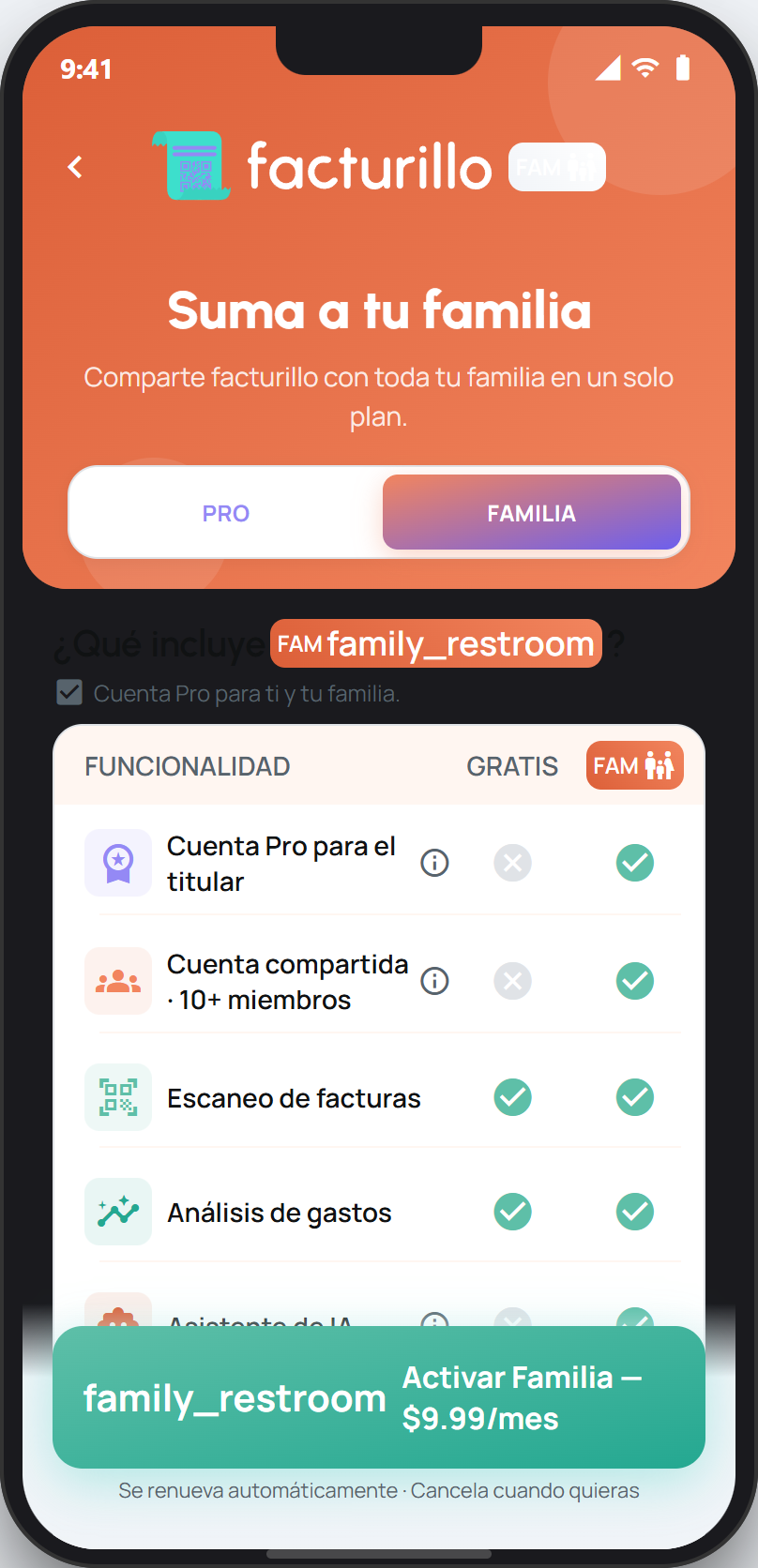
Open the plans screen in facturillo, from your profile or from any Pro feature, and use the option to restore your purchase. facturillo recognizes your plan again.
Use the same store and the same store account you paid with. If you bought on iPhone, restore on iPhone with your Apple ID; if you bought on Android, restore on Android with your Google account.
Confirm the store account is the right one. If you paid with a different account (for example on another phone), sign in to that same store account to be able to restore.
Have the latest app version and an internet connection. Then reopen the plans screen to see your plan already active.
If you bought Familia
If the plan is Familia and the shared account shows read-only mode, see My family account went read-only. Once the subscription is renewed or restored, the account returns to normal and no one loses their receipts.
If after restoring with the right account you are still on Gratis, contact us and we will look into it with you.